Telex Communications
165
Ok ?
Indicates that the data device connected to the port is a keypanel with an unknown or earlier version of software.
OK TIF
Indicates that the data device connected to the port is a TIF-951 or TIF-2000 Telephone Interface.
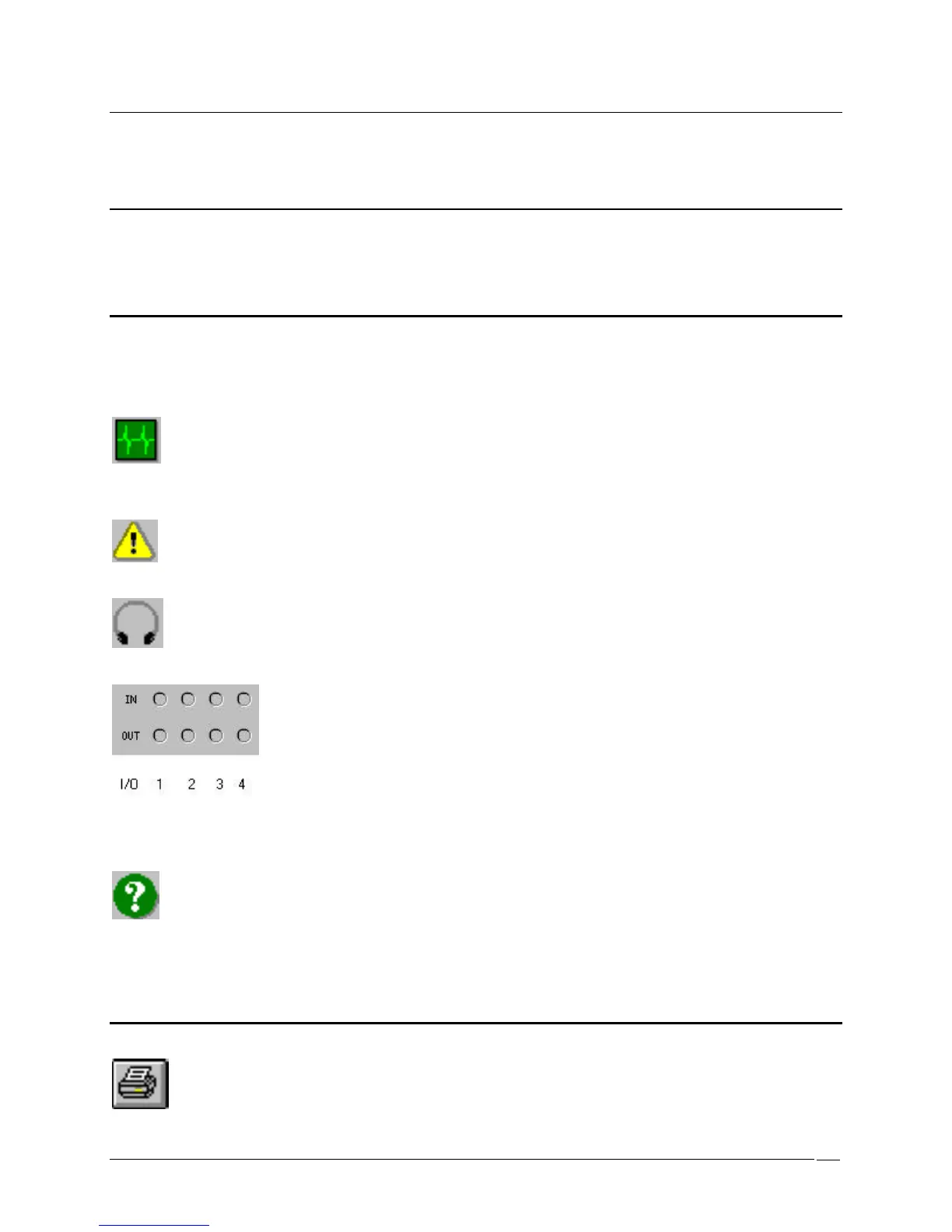
Port status bitmap grid
The Port Status Bitmap Grid displays the following icons in the Port Status group (upper-right corner of the
Keypanels / Ports screen). Most of these icons activate based on keypanel features detected by the intercom system
master controller.
Heartbeat Icon: Indicates that a data device (keypanel, TIF, or Camera Delegate Panel) is connected to the intercom
port
Warning Icon: Indicates that the intercom port is defined as an IFB output (in the IFB Setup screen).
Headset Icon: Indicates that the connected keypanel has a headset selected
LED Icons: Indicate the on/off state of any local GPI inputs and outputs. These indicators function only when a
keypanel with a local GPI port is connected. Green=On (Asserted), Red=Off (Inhibited), Gray=None, IN=GPI Input,
OUT=GPI Output.
Question Mark Icon: Indicates that the keypanel type you have selected (with the Edit button) does not match what
is reported by the intercom system.
Print



 To Next Page