Telex Communications
61
Setting Audio Levels To and From a Party Line
To set audio levels to and from a party line, do the following:
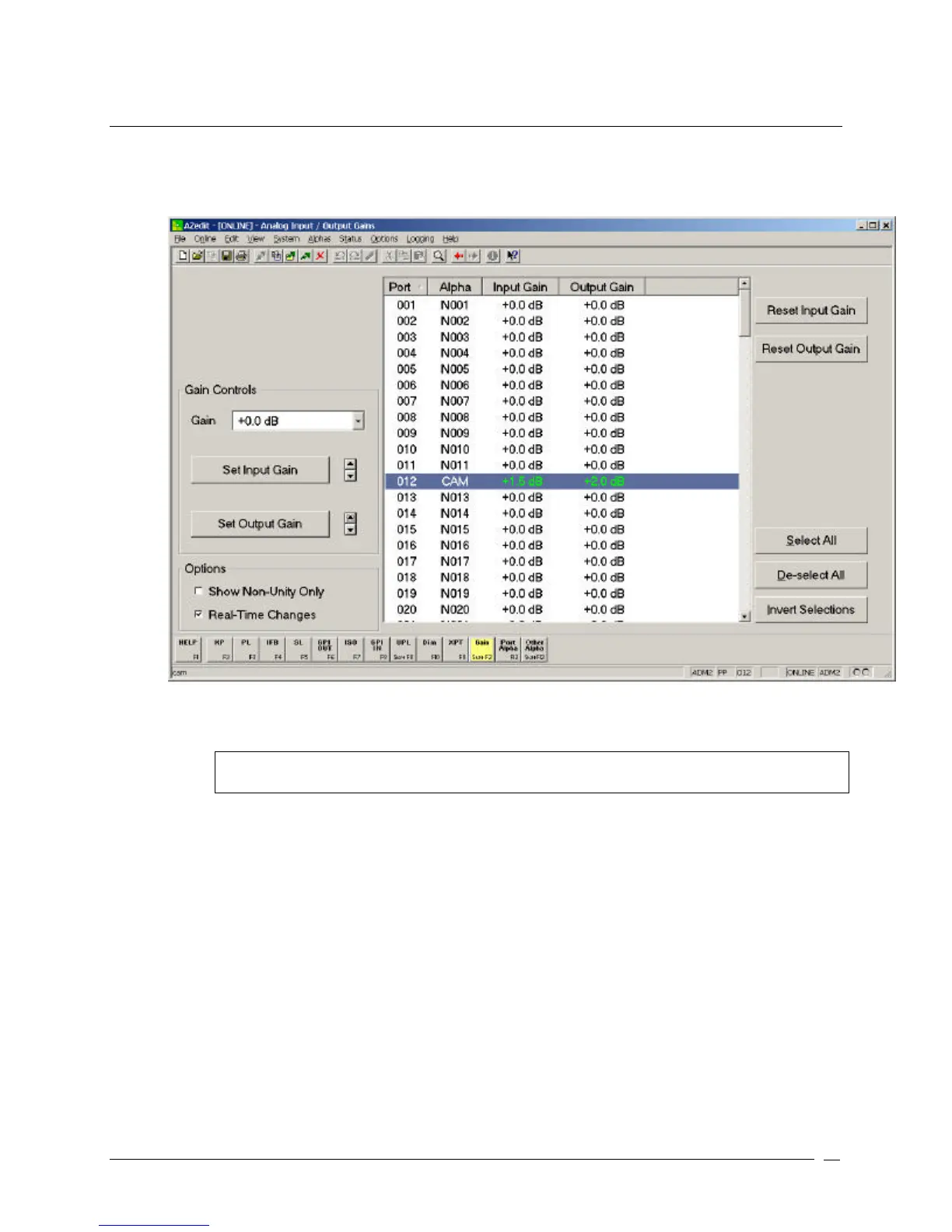
1. From the System menu, select Gains, and then select Analog Input / Output Gains.
The Analog Input / Output Gains screen appears.
2. Highlight the port for which you want to change the audio levels.
3. Using the Set Input Gain and Set Output Gain buttons, adjust the Input and Output levels for the port.
Note: These are initial settings. You can return any time in the future to readjust these settings to
you operational preferences.



 To Next Page