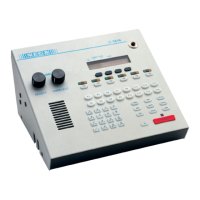
Care and Feeding of Telex Radio Dispatch Systems
C-6200 Setup
Phase 4 Design, Inc.
Dave Grant / dgrant@hostnw.net
425.402.7308
11/5/2010 Page 14 of 18
Adjusting the handset/headset microphone levels
Make a vocal tone into the handset and adjust RV4 for approximately 2V Peak to peak at TP11. The
sidetone level can be adjusted from within the tech mode. Speak into the handset and listen to the
earpiece. You should hear a portion of your voice being routed back to the earpiece.
Adjusting the desk microphone level
Make a vocal tone into the desk microphone at the distance you expect the operator to be positioned
and adjust R188 on the Backplane PCB for 2Vp-p at TP1. The output of the compressor circuit U31
can be adjusted by RV3 for approximately 2V Peak to peak at TP5.
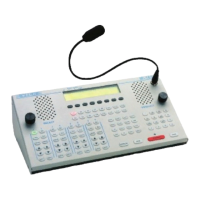
Adjusting the gooseneck microphone level
Make a vocal tone into the gooseneck microphone at the distance you expect the operator to be
positioned and adjust R191 on the Backplane PCB for 2 Vp-p at TP3. The output of the compressor
circuit U30 can be adjusted by RV1 for approximately 2V Peak to peak at TP4.



 To Next Page