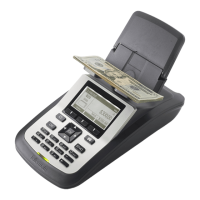
6 Put an Empty Register Cup on the HOD. The Tellermate will say Thank You and return to the menu.
7 Take the cup off the HOD. Press and release the End button to return to the Cup One Cent screen.
Calibrating a Coin (Do not calibrate pennies)
1 Start at the Select Task Menu or the One Cent Cup.
2 Press and release the Menu button.
3 Options will be highlighted, press Enter.
4 Press and release the Menu button.
5 Enter the PIN number.
a) First press and release the on.off button (one star on the screen).
b) Then press and release the enter button (two stars).
c) Then press and release the dollar sign button (three stars).
d) Then press and release enter button.
On/ O $ Menu Enter



 To Next Page