ADJUSTING VOLUME
Touch Mode area rst to highlight. Adjust the volume of your video by lightly
touching on the + or – symbols on the top of the Projector.
ADJUSTING FOCUS
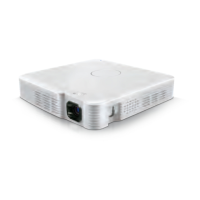
Simply roll the Focus Wheel on the projector up and down to ne-tune
the picture.
CAUTION
do noT block The airflow venTilaTions on The sides
of your ProjecTor. doing so May resulT in overheaT-
ing and daMage To The uniT.
CHARGING YOUR DEVICE WITH
THE PROJECTOR
The Projector will also work as a back-up battery for your smartphone device.
Connect your device to the fully-charged Projector with a USB cable 1.
(not included).
Your device’s screen will let you know your device is charging and 2.
when it’s fully charged.
13 14


 To Next Page