Additional handset quick set-up guide 2
1 Set up your additional
handset
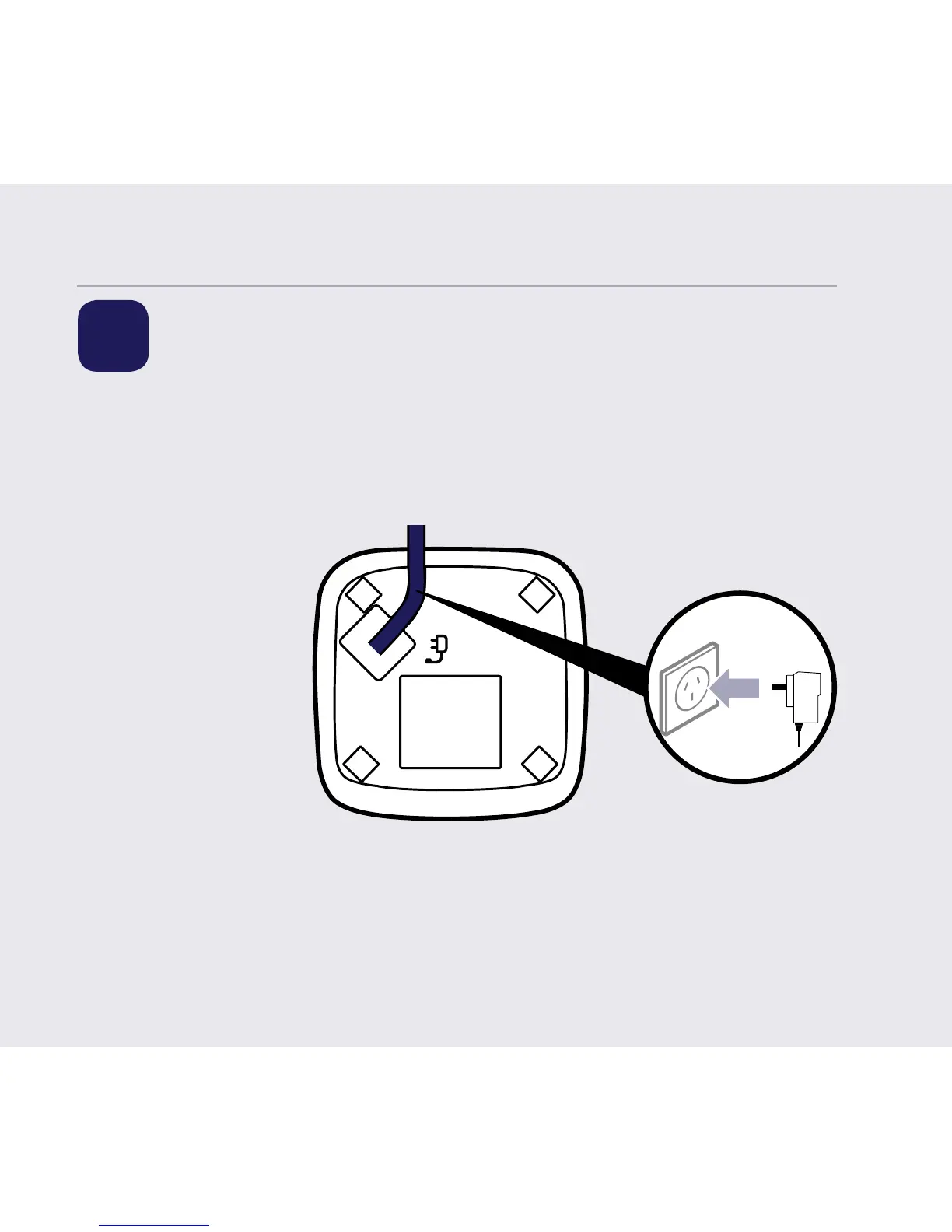
1. For additional handsets and chargers: plug the mains power adaptor into the
back of the charger and plug the other end into the mains wall socket and
switch on the power.
2. Activate the batteries by pulling the plastic tab away from the back of the
handset. If you set the time and date on the rst handset then it will be shared
with all other handsets and registered once you activate the batteries and they
have all synchronised.
3. Place the handset on the charger to charge for 24 hours.
If you need some help, call us on 13 2200 or go to https://go.telstra.com.au/helpandsupport/home-phone/


 To Next Page