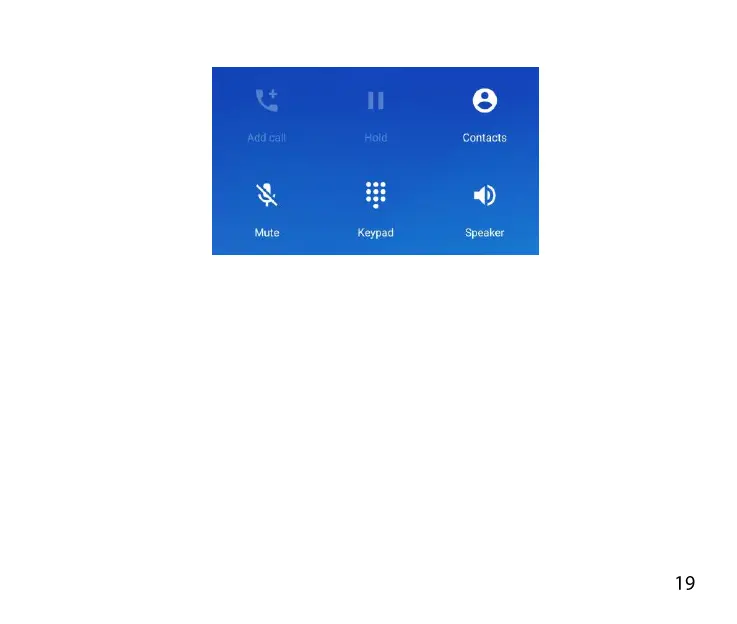
FUNCTIONS DURING A CALL:
During a call when you move the handset away from your ear the
screen lights up. Use the buttons for the features described:
Add call – place the current call on hold and dial another party.
Hold – Place the caller on Hold
Contacts – view your Contacts lists
Mute – Mute the microphone
Keypad – enter DTMF (touch) tones
Speaker – Use Handsfree, Speaker mode



 To Next Page