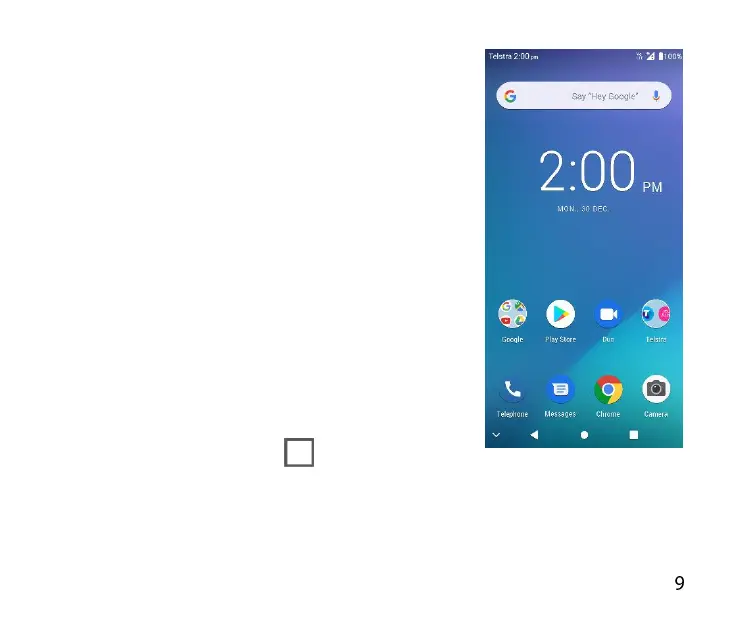
THE HOME SCREEN
Slide the Home Screen left or right to view
additional pages.
Long press on the screen to change your
wallpaper or add widgets.
Slide Down from the top of the screen to see
the Quick Settings panel.
Slide Up from the bottom of the screen to see
the All Apps view.
Tap the Google Search bar to search the web,
or touch the microphone to speak your
search.
Tasks key for Recent Apps
Press the Tasks key to view open or recent apps.
Double tap on the tasks key to toggle recent apps.



 To Next Page