CALLER ID, CALL FORWARDING (DIVERT), BLOCK NUMBERS
DIALLER > OPTIONS > SETTINGS > CALL SETTINGS
Press the Phone icon. If the dial pad is open press the back button.
Press the three dots in the top Search bar for Options > Settings:
Display Options- Sort by name, first name / last name options
Sounds and vibration – Enable Vibrate mode and Keytones
Quick responses – Configure SMS responses for a rejected call
Call Settings –Call Forwarding, Call Waiting and Call barring settings,
press Additional settings for Caller ID (Show or hide your number)
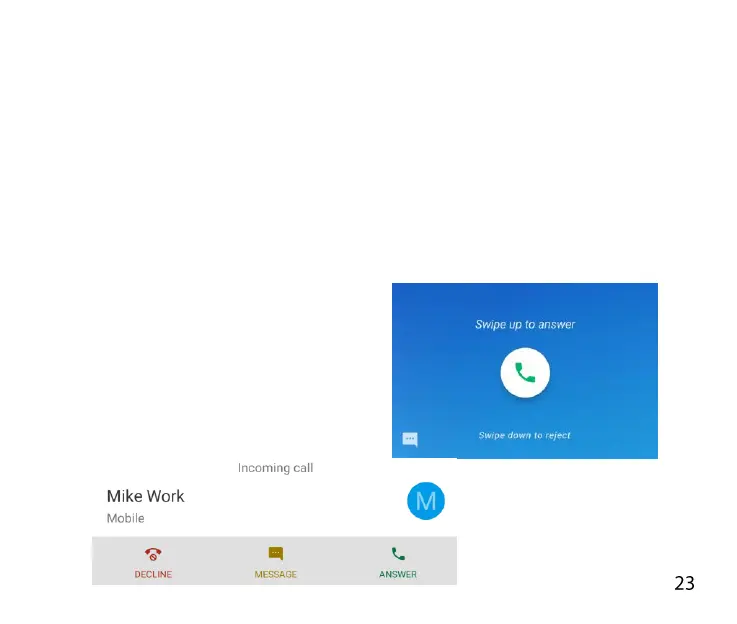
ANSWER AN INCOMING CALL
Swipe up to answer the call
Swipe down to reject the call.
Press Answer or Decline



 To Next Page