Need help?
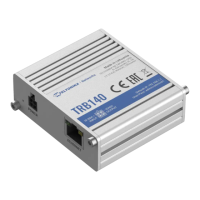
Do you have a question about the Teltonika TRB140 and is the answer not in the manual?
Details on entering username and password for device access.
Information on data connection, network state, and signal strength.
Details on RF technologies and maximum RF power output.
Information on the specifications of the included power adapter and mobile antenna.
 General
| Module type | Digital & analog |
|---|---|
| Channel type | - |
| Product color | Green |
| Signal direction | Input/output |
| Channels quantity | - channels |
| Serial interface type | RJ-45 |
| Ethernet LAN (RJ-45) ports | 1 |
| Supported network protocols | SSH, CLI, NAT, DDNS, OpenVPN |
| Linux operating systems supported | Yes |
| DC input voltage | 9 - 30 V |
| Storage temperature (T-T) | -45 - 80 °C |
| Operating temperature (T-T) | -40 - 75 °C |
 Weight and Dimensions
| Depth | 60 mm |
|---|---|
| Width | 70 mm |
| Height | 18 mm |
| Weight | 35 g |

 To Next Page