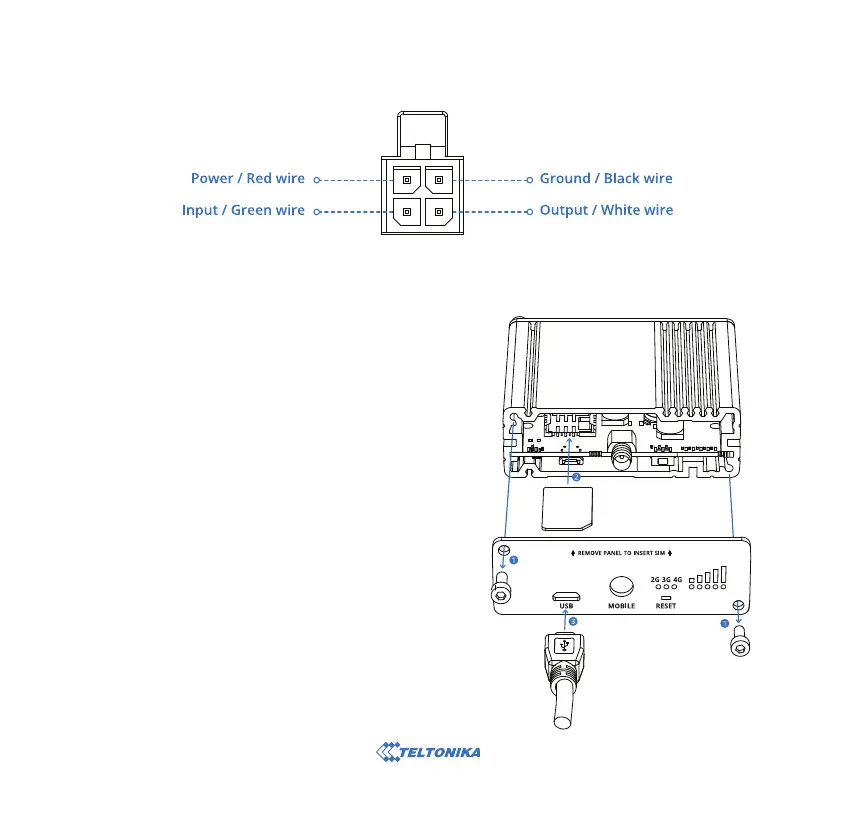
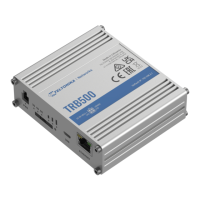
1. Unscrew two back panel hex bolts.
2. Remove the back panel.
3. Insert your SIM card into the SIM socket.
4. Attach the panel and tighten the hex bolts.
5. Attach the LTE antenna torque (max torque 0.4 Nm 3.5
in-lbs) and connect the USB cable.
6. Connect the power adapter to the socket on the front of the
device. Then plug the other end of the power adapter into a
power outlet.
HARDWARE INSTALLATION
POWER SOCKET PINOUT



 To Next Page