8
Indication:
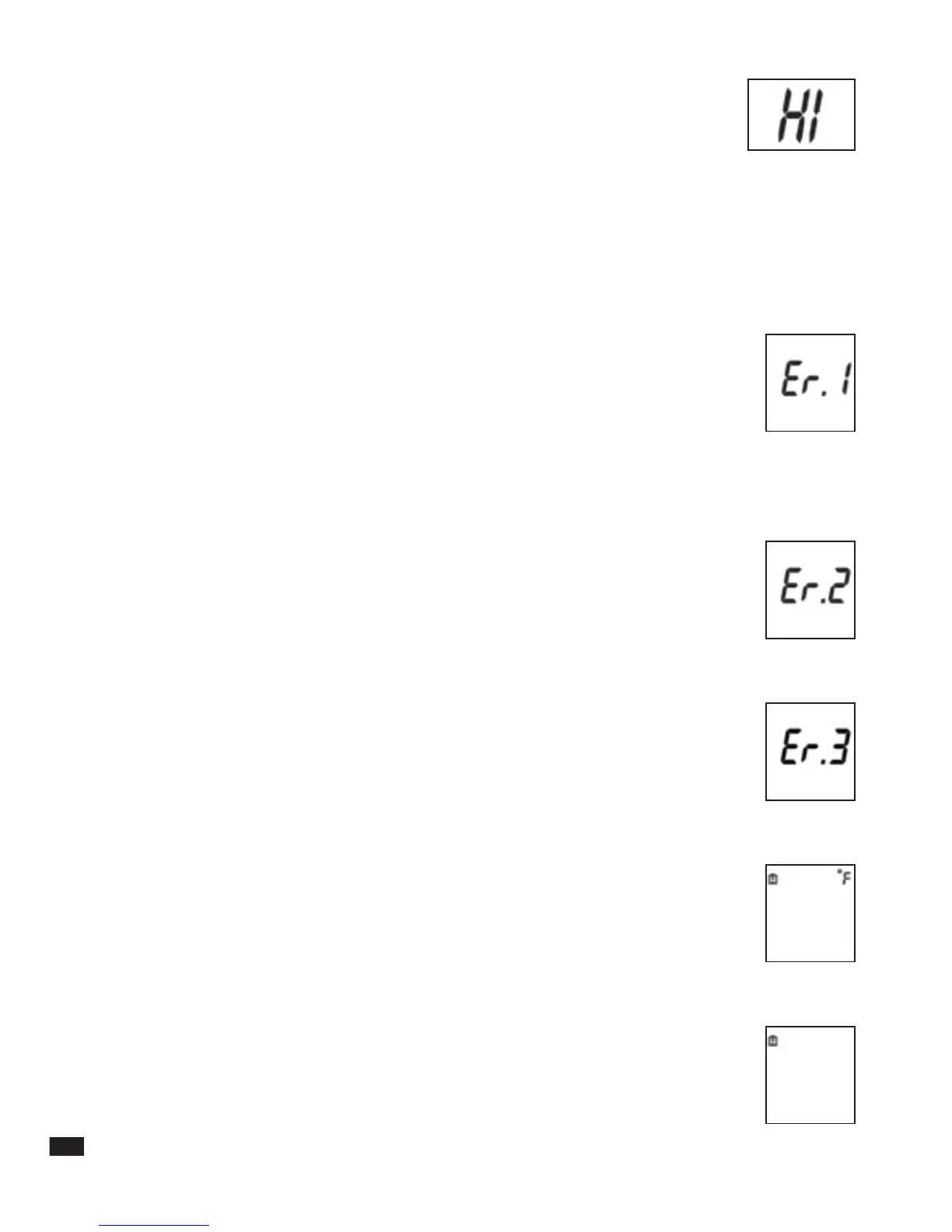
The measured temperature is above 107.6°F (42°C) and the
display presents: HI
Instruction: 1. Turn the unit OFF and then ON again.
2. Retake temperature using proper technique (see section 3).
3. If still reads HI, this indicates that the patient has a high fever.
WARNING! A high fever or low body temperature requires seeking
immediate medical attention
Indication 1:
The thermometer is too cold or too hot to operate.
Instructions:
1. Verify room temperature within product
range 60.8°F-104°F (16° C - 40° C)
2. Retake temperature using proper technique (See section 3).
Indication 2:
Temperature did not register because of poor contact, patient
movement or poor placement.
Instruction:
Turn the unit OFF, wait 2 minutes, turn it ON again and retake
temperature using proper technique.( See section 3).
Indication 3:
Unit malfunctioned.
Instruction:
Do not use the thermometer – contact service. (See section 9).
Indication 4:
Low battery - Battery icon is on continuously.
Instruction:
The battery has enough remaining life for approximately
10 more measurements
Indication 5:
Drained battery – only Battery icon is on when thermometer is turned
on and the device turns itself OFF.
Instruction:
The battery is drained - replace battery.(See section 4)
inner pages


 To Next Page