7
Operating RF-Style
Functions
1 Accessory. 2 Accessory (to buy as accessory for HE150).
EN
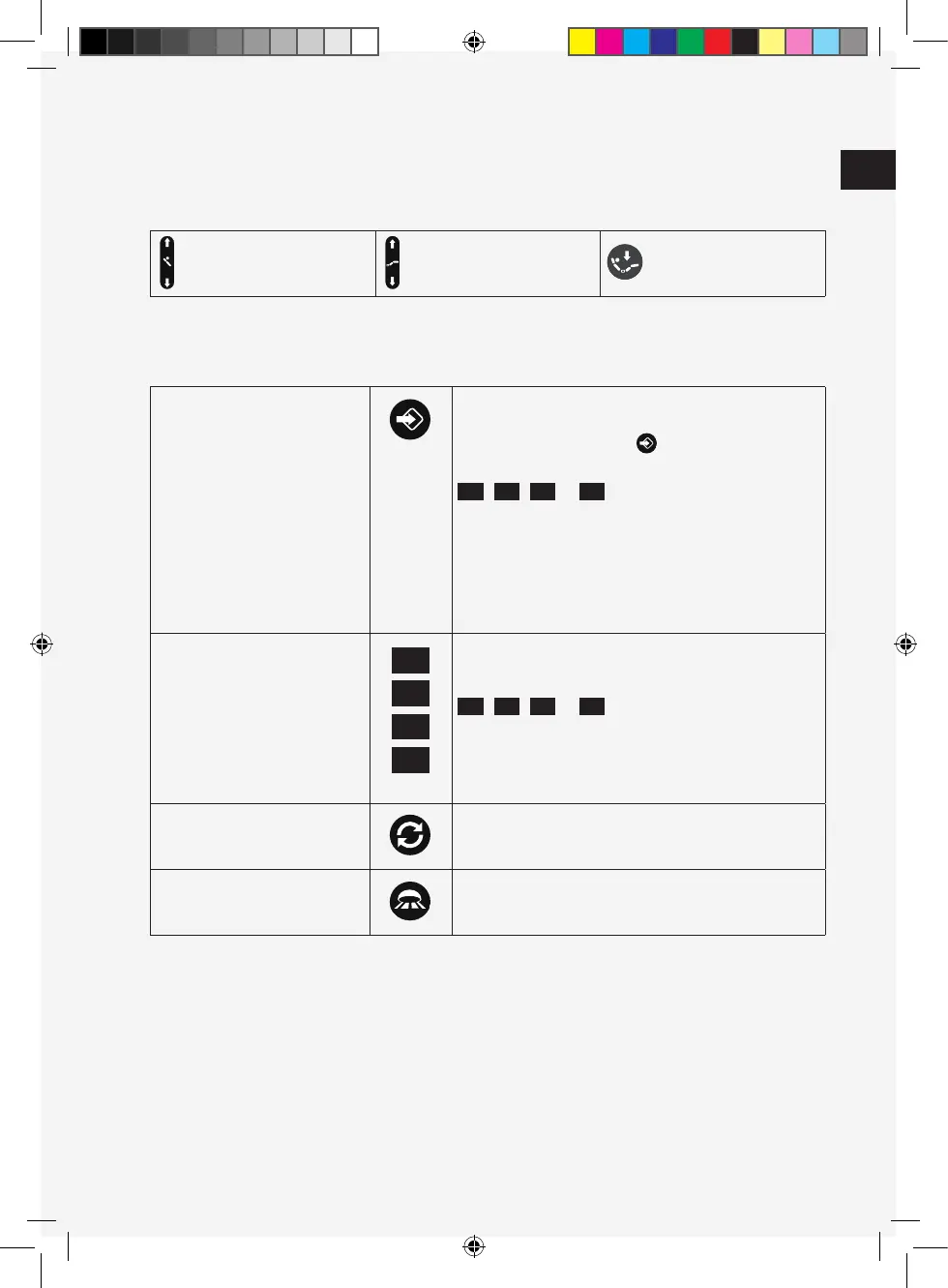
Save a position Move to the desired positions by pressing the movement button
on the RF-STYLE as seen above.
Press the memory save button.
To save a position, press the memory position button
, , or within 2 seconds.
The desired position is now saved to the memory position
button.
Calling up the saved position Programming a new position will automatically overwrite the
old one.
Press the desired memory position button
, , or until all drives have reached the
programmed position.
Synchro operation
1
Press the key and keep it pressed (min. 4 seconds) for
activation/ deactivation of the function.
Floor light By pressing the button, the internal or external
2
floor flight will
switch on/off.
Back rest up/down Foot rest up/down Reset down
M1
M1
M1
M3
M3
M3
M2
M2
M2
M4
M4
M4
16668_TEMPUR_North_Assembly_Guide_EU.indd 716668_TEMPUR_North_Assembly_Guide_EU.indd 7 19/12/2019 15.3519/12/2019 15.35


 To Next Page