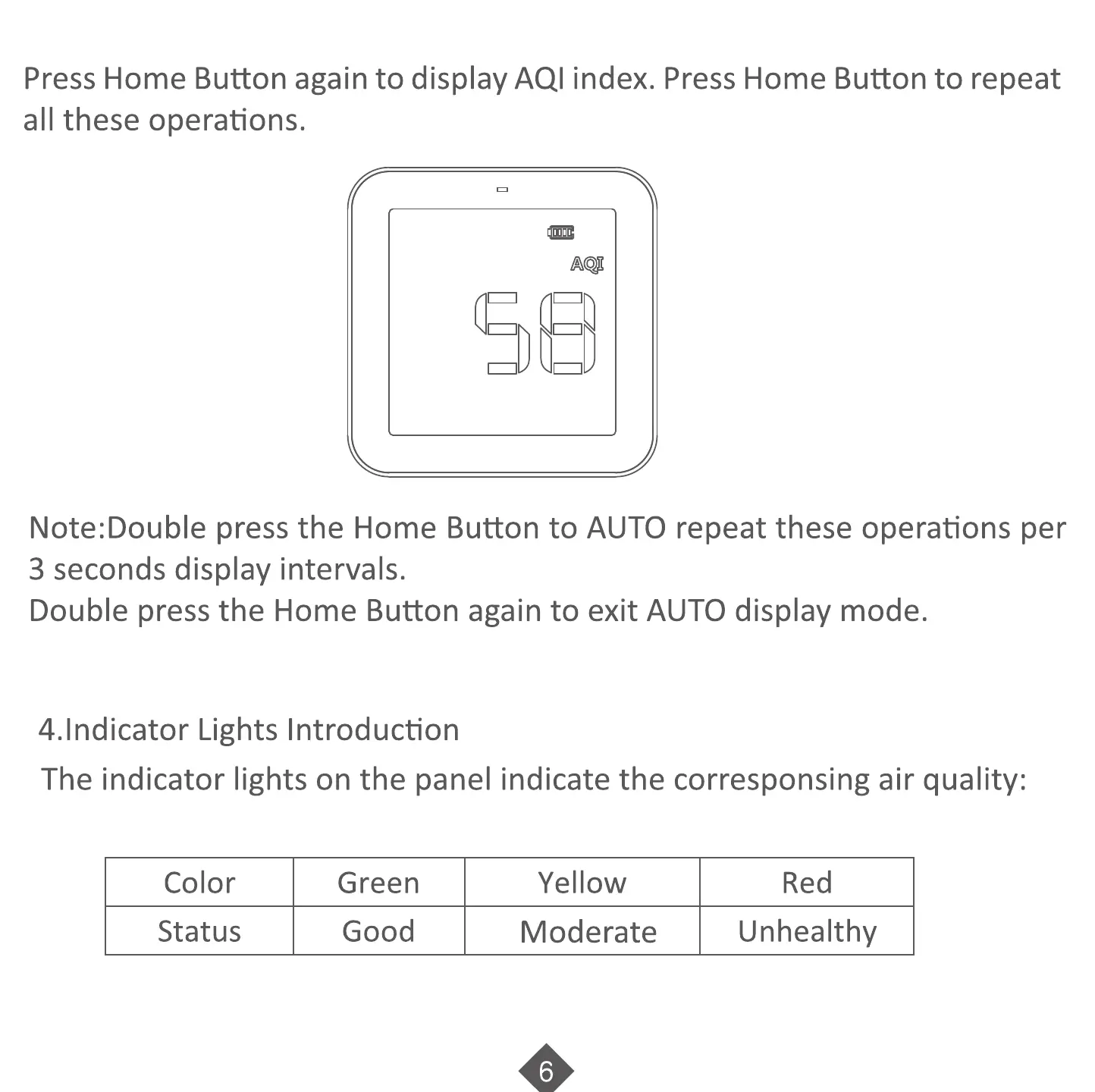
Press Home Button again to display AQI index. Press Home Button to repeat
all these operations.
Note:Double press the Home Button to AUTO repeat these operations per
3 seconds display intervals.
Double press the Home Button again to exit AUTO display mode.
4.1ndicator Lights Introduction
The indicator lights on the panel indicate the corresponsing air quality:
Color
Status
Green
Good
Yellow
Moderate
Red
Unhealthy



 To Next Page