12
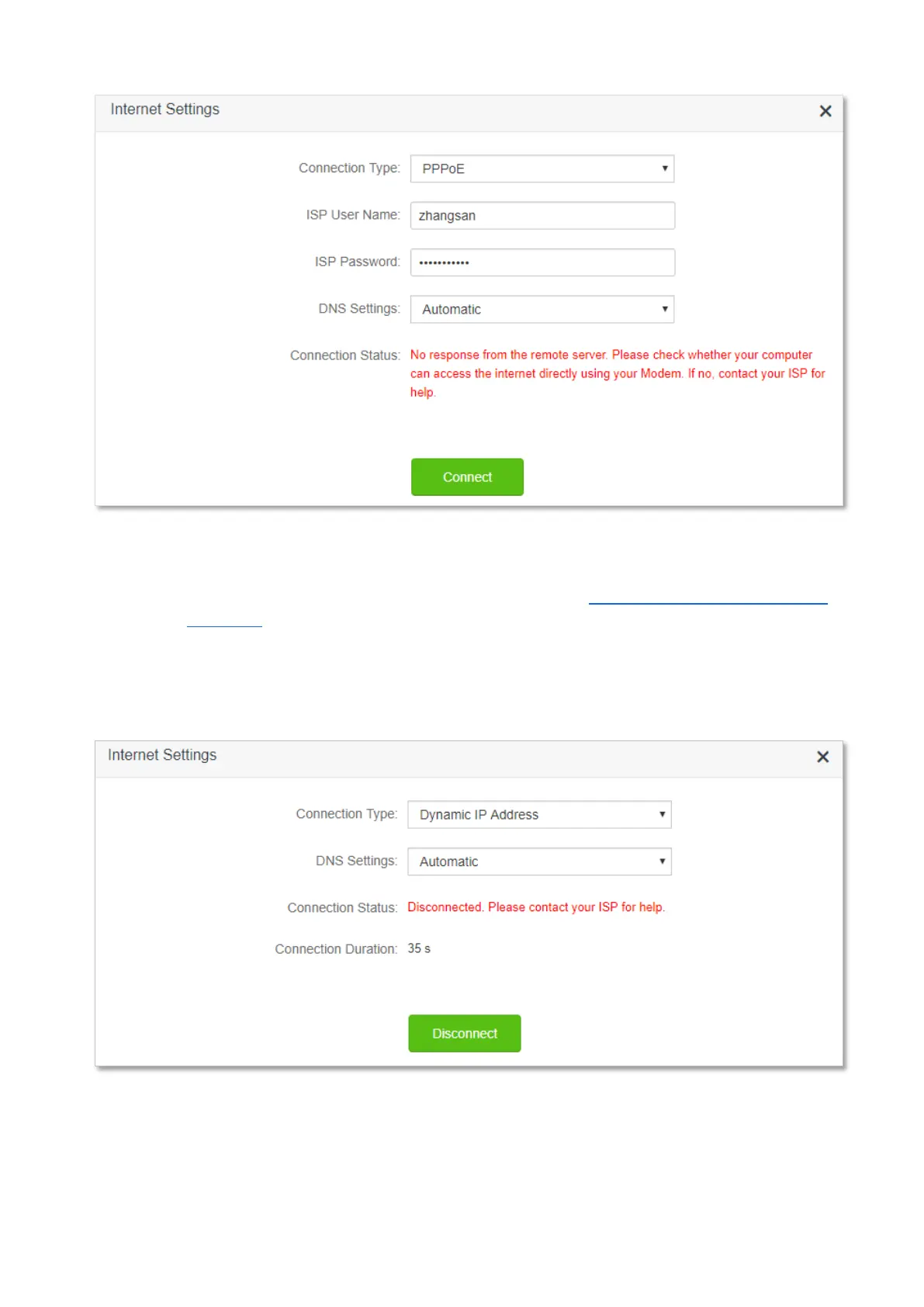
When “Disconnected. Please contact your ISP for help.” is shown on the page as below, try the
following methods:
− Modify the MAC address of WAN port by referring to Change the MAC address of the
WAN port.
− Use another device to configure the router again.
− Ensure that your internet service does not expire.
If the problem persists, contact Tenda technical support.


 To Next Page
 Loading...