40
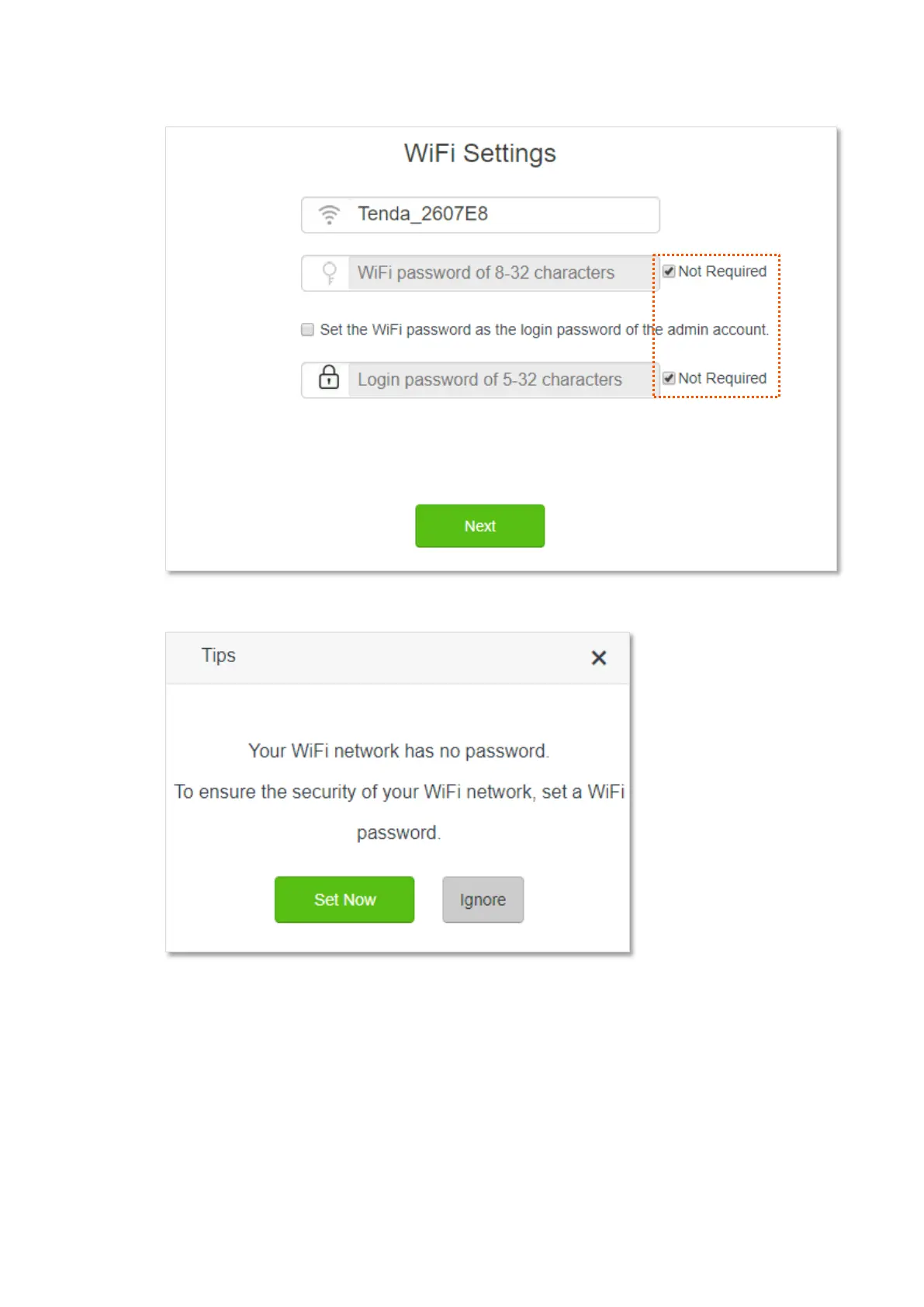
5. Do not set login and WiFi password now by ticking Not Required, and click Next.
6. Click Ignore.
Step 2 Set the new router to WISP mode.
1. Choose WiFi Settings > Wireless Repeating.
2. Enable Wireless Repeating, and choose WISP.
3. Click Select to select an existing WiFi network, which is Home_WiFi in this example.


 To Next Page
 Loading...