12
11
One Touch Memory Start
When switched on the unit will
automatically start in the programme which
was being used when it was switched off.
The strength increases to about 75% of the
level when the unit was last used. To stop
the increase in strength at any time, press
any key once.
Channel 1 Strength DOWN / OFF button
To lower the strength:
Press and release
this button. The strength reduces by 2.0mA
each time (four times the rate of increase)
When the strength gets down to zero the
unit will then switch off. Alternatively to
switch the unit off press and hold down this
button for 3 seconds.
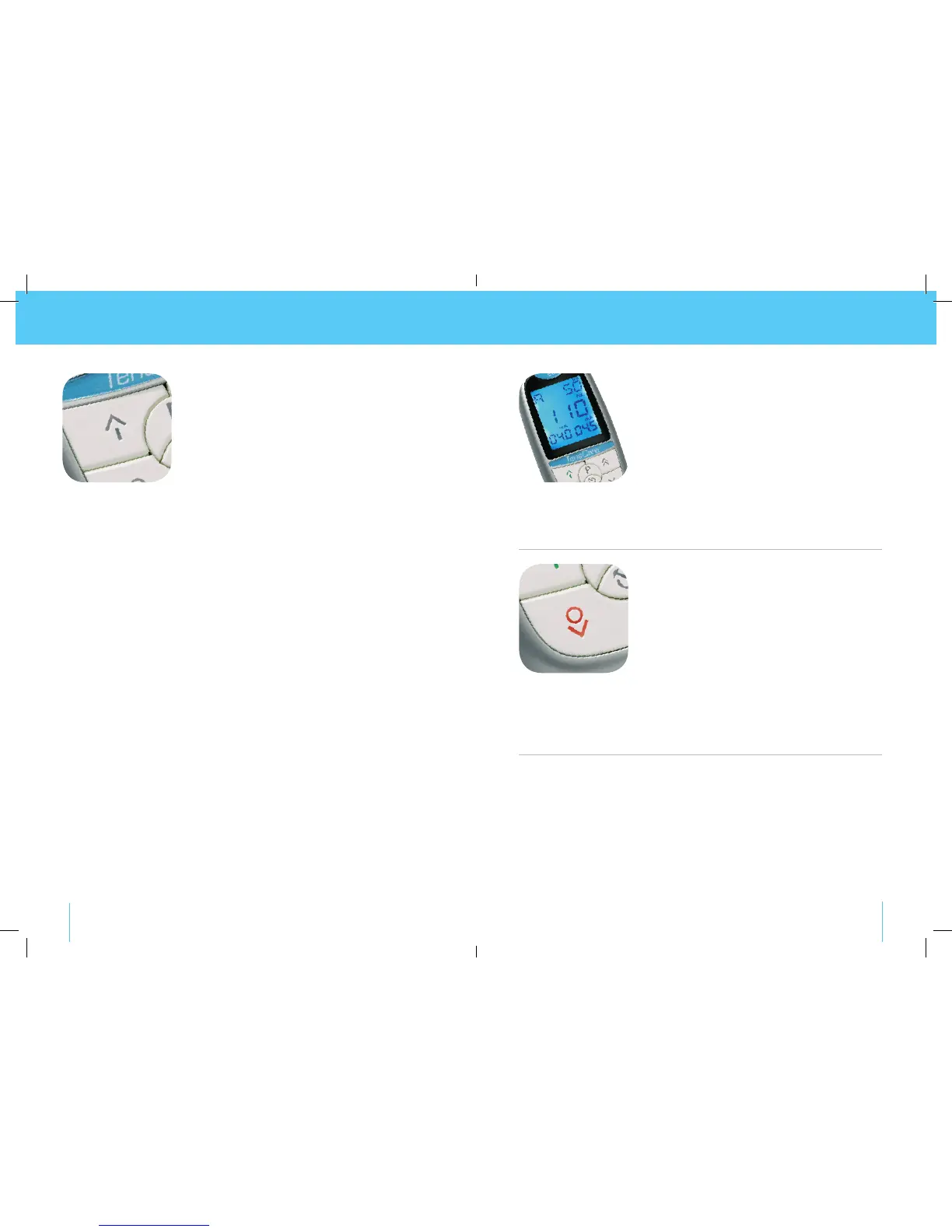
ON / Channel 1 Strength UP button
Note: Channel 1 controls the output through the
white leads.
To switch unit on: Press and hold down
for 3 seconds.
To increase Strength: Press and hold
down until required strength is achieved.
No sensation will be felt through the pads
until the strength has reached at least the
2.5mA level. (See bottom left hand corner
of screen).
The strength increases in very small
steps (0.5mA) thereby giving a soft and
comfortable sensation. Increase the
strength until it feels strong but still
comfortable. The body acclimatizes to the
feeling through the pads therefore to keep
the sensation constant increases in strength
may be necessary.


 To Next Page