Bolt Manager Software
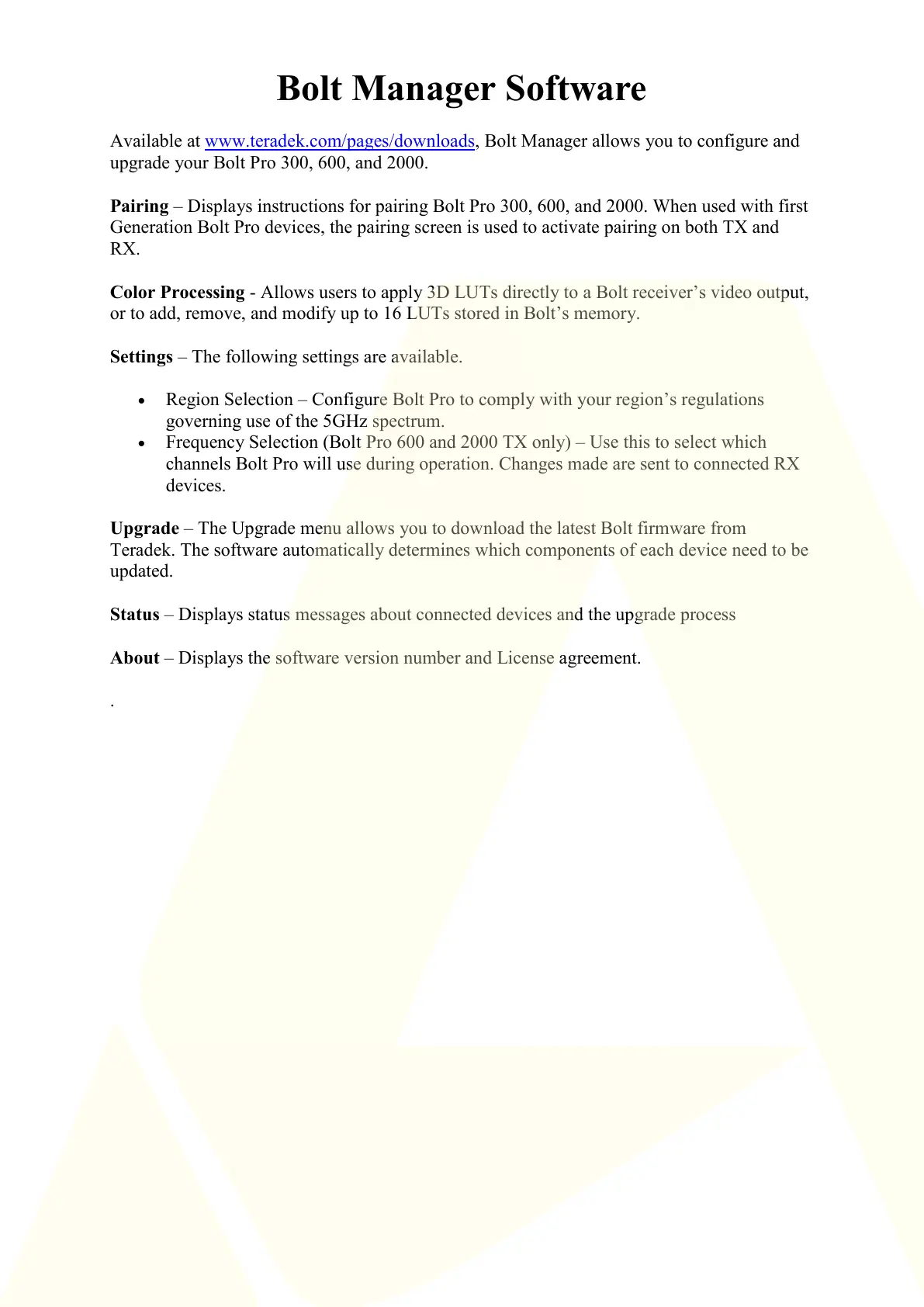
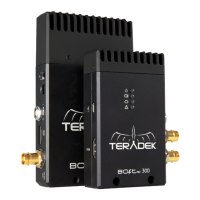
Available at www.teradek.com/pages/downloads, Bolt Manager allows you to configure and
upgrade your Bolt Pro 300, 600, and 2000.
Pairing – Displays instructions for pairing Bolt Pro 300, 600, and 2000. When used with first
Generation Bolt Pro devices, the pairing screen is used to activate pairing on both TX and
RX.
Color Processing - Allows users to apply 3D LUTs directly to a Bolt receiver’s video output,
or to add, remove, and modify up to 16 LUTs stored in Bolt’s memory.
Settings – The following settings are available.
Region Selection – Configure Bolt Pro to comply with your region’s regulations
governing use of the 5GHz spectrum.
Frequency Selection (Bolt Pro 600 and 2000 TX only) – Use this to select which
channels Bolt Pro will use during operation. Changes made are sent to connected RX
devices.
Upgrade – The Upgrade menu allows you to download the latest Bolt firmware from
Teradek. The software automatically determines which components of each device need to be
updated.
Status – Displays status messages about connected devices and the upgrade process
About – Displays the software version number and License agreement.
.



 To Previous Page