BEST PRACTICES
BOLT LEMO CONNECTOR / PIN−OUT
CUSTOM / 3RD PARTY CABLES
DEVICE OPERATION
BOLT MANAGER SOFTWARE
MOUNTING
Bolt uses a 0B 302 series LEMO connector (FGG.0B.302.CLADxx).
Pin Description
1* GND
2 +DC
* Pin 1 is closest to the red dot on the LEMO connector
• Test the power cable polarity with ONLY the power cable connected to Bolt. Do not connect video cables.
• Check the power cable for shorts and proper grounding.
• Keep the transmitter and receiver at close range for 60 seconds after powering on the devices. This allows
them to scan for and select the best wireless channel.
• For best results when using multiple Bolt systems in the same area, place the transmitters and receivers
a few feet apart from each other.
• Operation of other wireless equipment may interfere with the Bolt. For best results, separate other
wireless transmitters and receivers as much as possible.
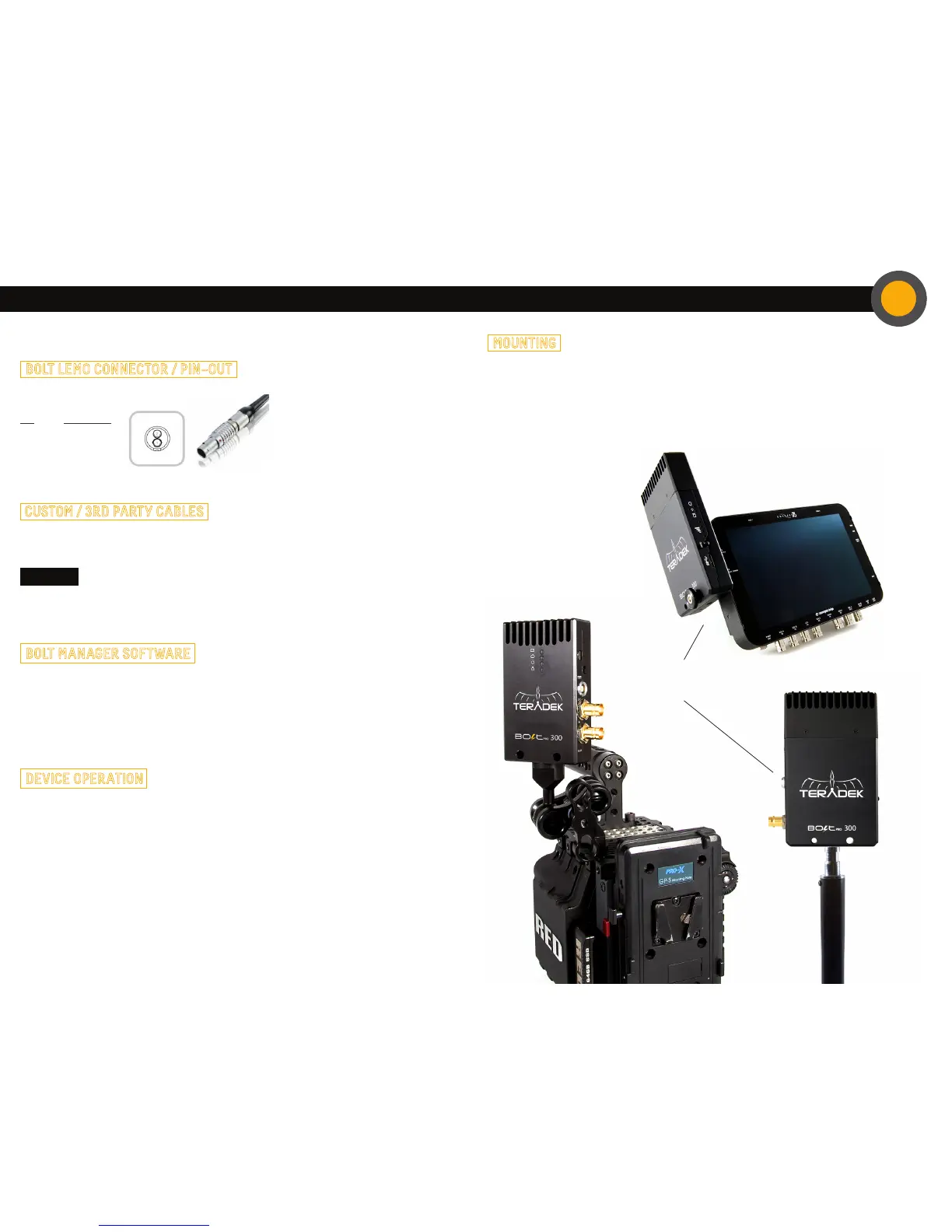
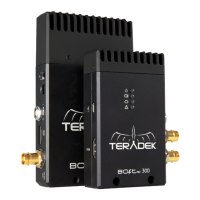
• Mount the Bolt Pro 300 transmitter vertically, keeping the antennas clear of any obstructions.
• Orient the transmitter and receiver so they are parallel to each other.
• For best results, orient the receiver so the front or back has clear line−of−sight to the transmitter.
CAUTION:
Using a reverse polarity or improperly−constructed power cable can damage the product
and is not covered under warranty.
Bolt transmitter mounted
vertically on a camera
Bolt receiver can be
mounted vertically on
a light stand or monitor
Bolt Manager allows you to configure and upgrade your Bolt Pro 300. It is availible at
www.teradek.com/pages/downloads. The following configuration is available:
• Region Selection - Configure Bolt Pro to comply with your region’s regulations governing use
of the 5GHz spectrum.


 To Previous Page