Version 2 Dec „11 © Teradek, LLC 2011. All rights reserved.
Page | 36
6.3.1.2.
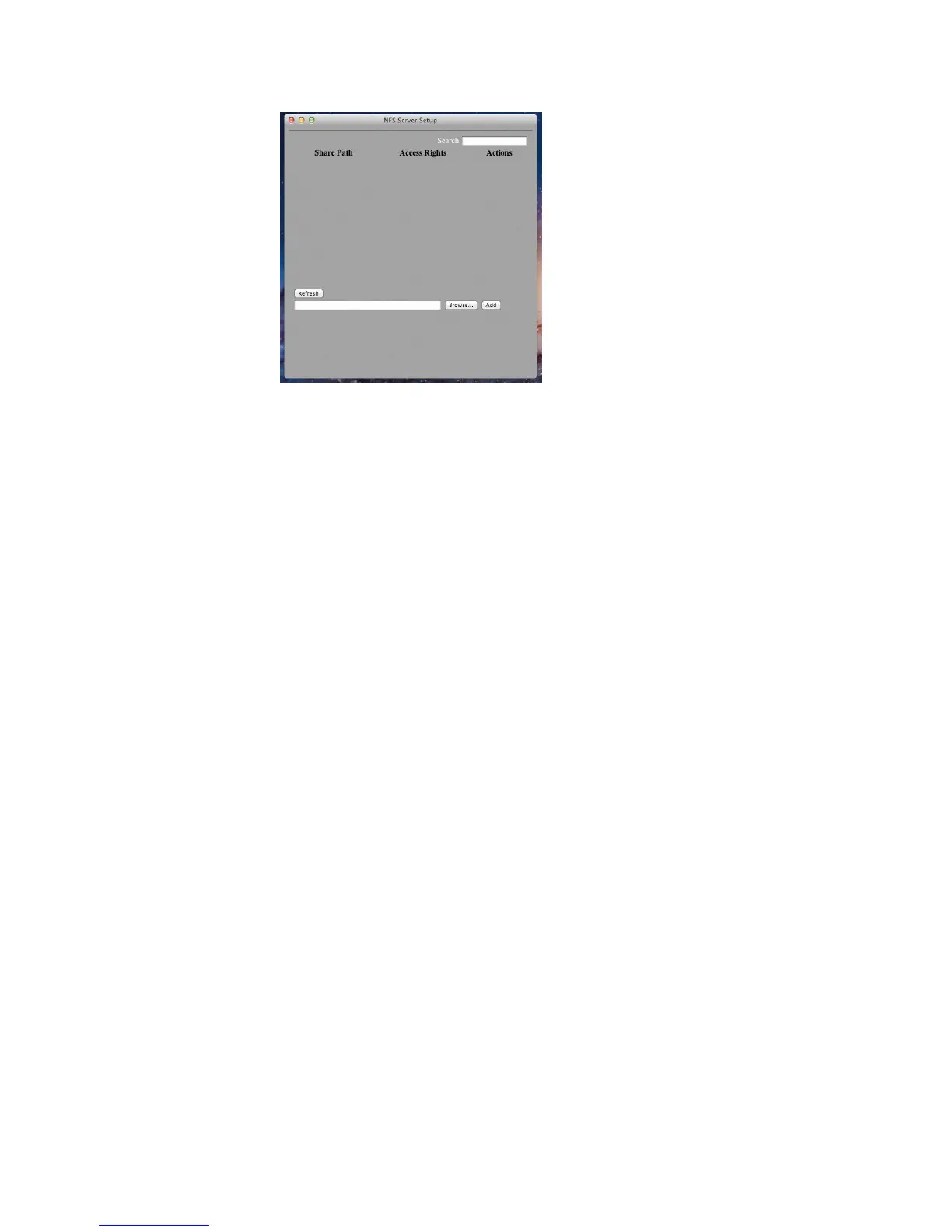
6.3.1.3. Click „Browse‟ and select the folder you want to share for recording. Click „Open,‟
and then „Add.‟ You may be prompted to enter an administrator password.
6.3.1.4. After the share is created, an entry will appear in the setup menu. Your NFS
share is configured. Clicking „Copy Path to Clipboard‟ will copy your NFS share
location so that it can be entered on Cube.
6.3.2. Windows
6.3.2.1. An NFS server can be enabled with a number of third party NFS tools (nfsAxe,
HaneWin NFS, etc.). Please refer to your chosen software‟s documentation for set up
instructions.
6.4. Configuring Cube
6.4.1. Log in to Cube‟s web UI and go to the Recording page under Video Setup. Change the
„Recording Mode‟ setting from „Disabled‟ to „Camera Controlled‟ and click „Apply.‟



 To Next Page