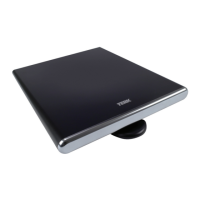
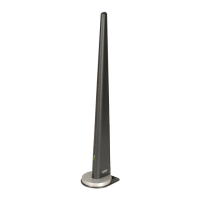
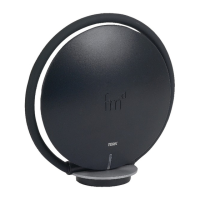
To stand the FDTV1a upright:
1. Push the screws through the holes on the bottom of
the stand.
2. Line the stand up with
the holes on the bottom
of the antenna. Use a
Phillips-head screwdriver
to attach the stand to the
bottom of the antenna.
Make sure not to
overtighten the screws.
FDTV1a
Installation (continued)
4
Connecting the FDTV1a
You can use the FDTV1a with or without its amplifier,
depending on which connection gives you the
best signal. Using the amplifier provides the best
performance in most situations, so try using it first. If
you notice that you’ve lost channels that you normally
receive, try connecting without the amplifier.
You can connect the FDTV1a directly to your TV or use
it with a converter box or other tuning device with an
antenna input (such as a cable box or satellite receiver).





 To Next Page