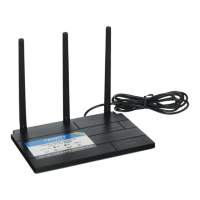
Connect your phone to the Terk Xtend.
Go to the WiFi connections menu on
your phone (in the Settings menu).
Look at the Wi-Fi Name (SSID) listed
on the bottom of the TERK XTEND.
Find that network listed in the list
of WiFi connection options on your
phone. Choose that SSID to connect to
it.
Enter the password listed on the
bottom the Xtend when prompted.
Please note that the password is case-
sensitive.
WIFI EXTENDER SETUP (continued)
2
Bottom of the
Terk Xtend
In the Google Play or Apple App Stores, search for “TERK XTEND” and
look for the icon shown here. Then download and install the App.





 To Next Page
