4
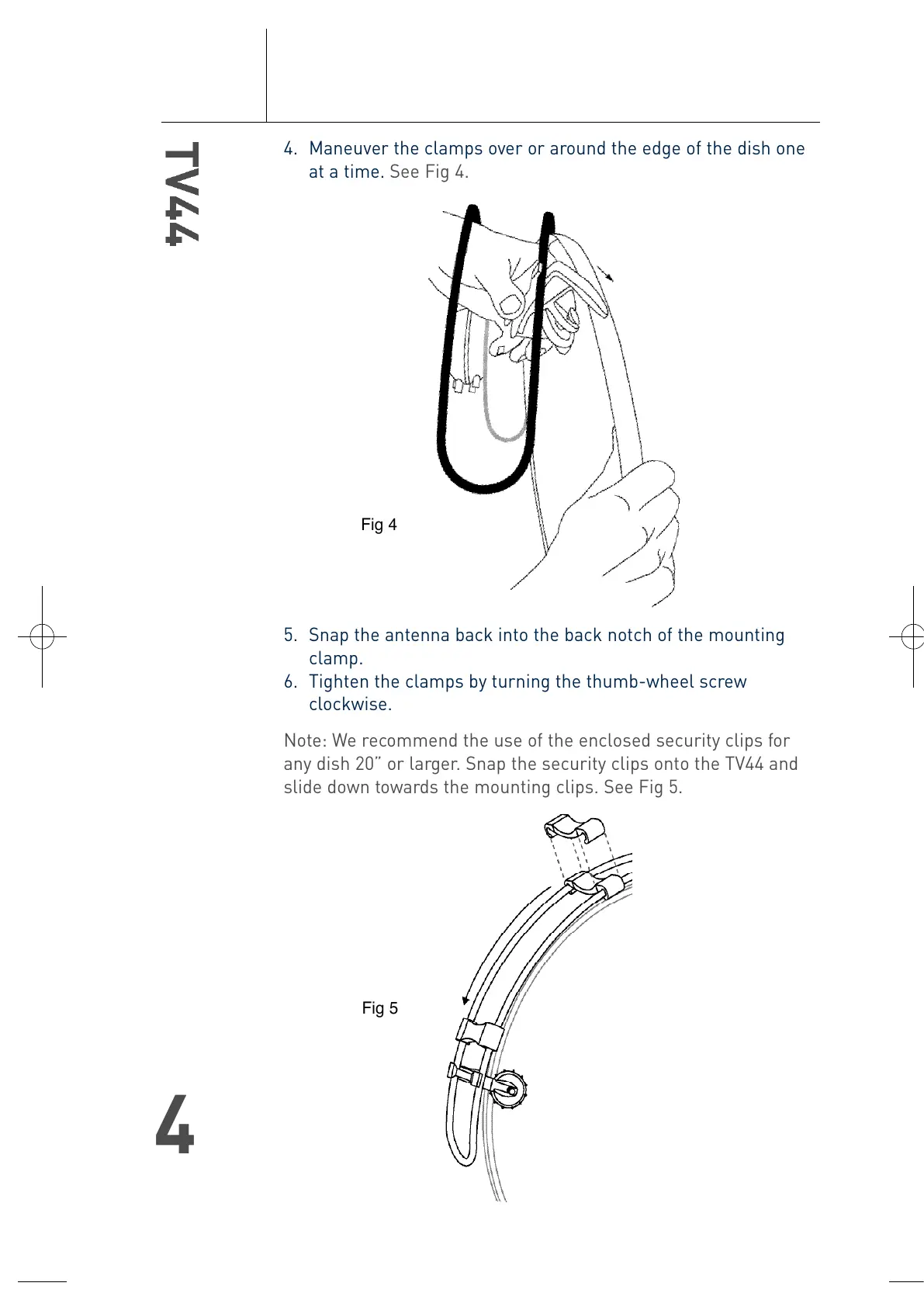
4. Maneuver the clamps over or around the edge of the dish one
at a time. See Fig 4.
5. Snap the antenna back into the back notch of the mounting
clamp.
6. Tighten the clamps by turning the thumb-wheel screw
clockwise.
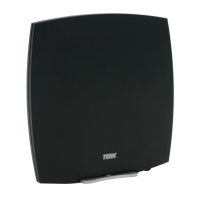
Note: We recommend the use of the enclosed security clips for
any dish 20” or larger. Snap the security clips onto the TV44 and
slide down towards the mounting clips. See Fig 5.
Fig 5
Fig 4
T4-0048-TV44-OM.qxp 4/28/04 11:31 AM Page 4




 To Next Page