8
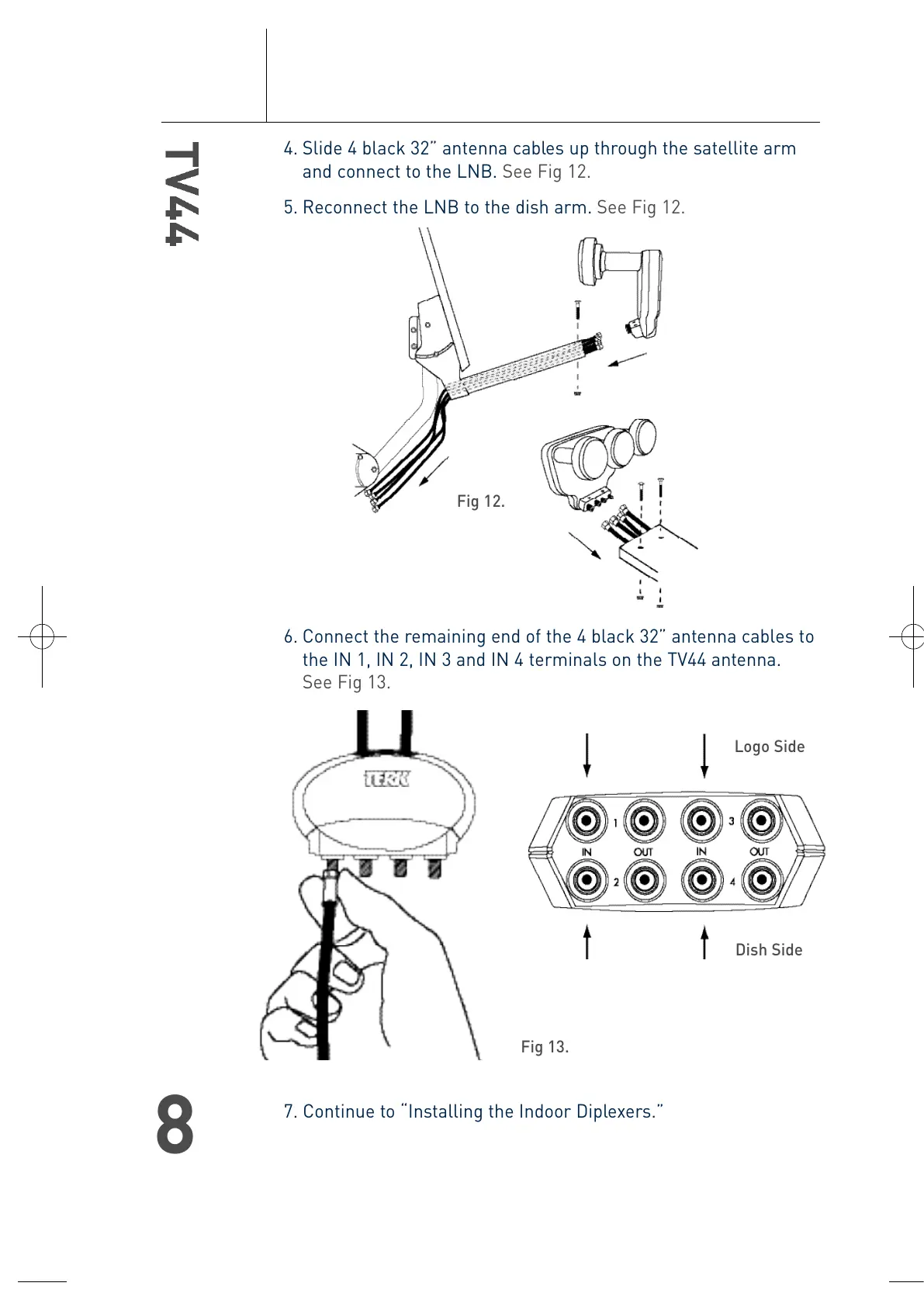
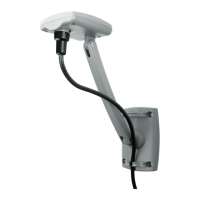
4. Slide 4 black 32” antenna cables up through the satellite arm
and connect to the LNB. See Fig 12.
5. Reconnect the LNB to the dish arm. See Fig 12.
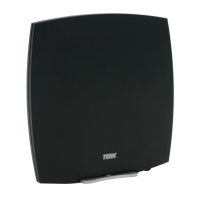
6. Connect the remaining end of the 4 black 32” antenna cables to
the IN 1, IN 2, IN 3 and IN 4 terminals on the TV44 antenna.
See Fig 13.
7. Continue to “Installing the Indoor Diplexers.”
Fig 13.
Fig 12.
Logo Side
Dish Side
T4-0048-TV44-OM.qxp 4/28/04 11:31 AM Page 8





 To Next Page