EasyManua.ls Logo

Termo 561000 - User Manual

Termo 561000
56 pages
Go to English
Print Icon
To Next Page IconTo Next Page
Loading...
1
Luftavfuktare 10L IPX1
Ilmankuivaaja 10L IPX1
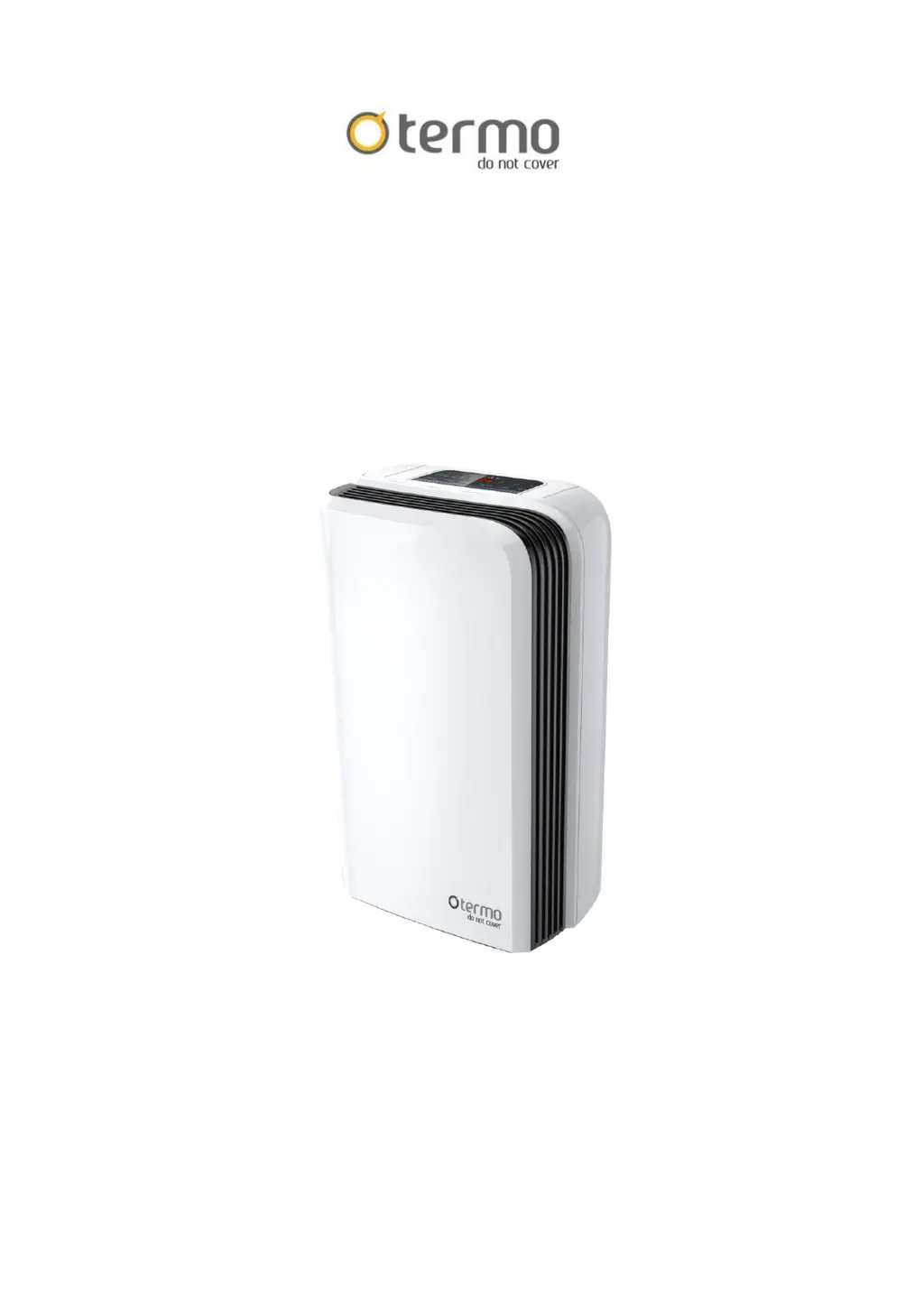
Dehumidifier 10L IPX1
Luftaffugtere10L IPX1
Luftavfuktere 10L IPX1
Art.no 561000
BEHÅLL DESSA INSTRUKTIONER FÖR FRAMTIDA BRUK
PIDÄ NÄMÄ OHJEET TALLESSA TULEVAA TARVETTA VARTEN
KEEP THESE INSTRUCTIONS FOR FUTURE REFERENCE
GEM DISSE INSTRUKTIONER TIL SENERE BRUG
OPPBEVAR DISSE INSTRUKSJONENE FOR FREMTIDIG BRUK

Questions and Answers

  • M
    Morgan DunnAug 5, 2025
    What to do if my Termo 561000 doesn't operate?
    • R
      Randy HodgesAug 5, 2025
      If your Termo Dehumidifier isn't working, here are a few things to check: * Make sure the power cord is properly plugged into the outlet. If it's disconnected, plug it in. * See if the tank full indicator is blinking, which means the tank is either full or not correctly positioned. Empty the water and reposition the tank. * The unit might not start if the room temperature is too high (above 35 degrees) or too low (below 5 degrees). In this case, the protection device is activated.
  • J
    jamesherreraAug 13, 2025
    Why is my Termo 561000 operation noisy?
    • A
      andersonstephenAug 13, 2025
      If your Termo Dehumidifier is making unusual noise, consider these potential causes: 1. Check if the unit is on an uneven surface. If it is tilted or unsteady, move it to a stable, sturdy location. 2. A clogged air filter can also cause noisy operation. Clean the air filter as instructed in the "Cleaning the dehumidifier" section.
  • J
    johnny95Aug 21, 2025
    What to do if my Termo Dehumidifier dehumidifying function doesn't work?
    • D
      Darrell JonesAug 21, 2025
      If the dehumidifying function on your Termo Dehumidifier isn't working, consider the following: * Check the air filter. A clogged filter can hinder performance, so clean it as instructed under "Cleaning the dehumidifier". * Inspect the intake and discharge ducts for any obstructions. Clear away anything blocking these ducts.
  • R
    Robert ChavezAug 27, 2025
    Why is no air discharged from Termo 561000 Dehumidifier?
    • J
      Jordan GarciaAug 27, 2025
      If your Termo Dehumidifier isn't discharging air, the air filter might be clogged. Clean the air filter as instructed under "Cleaning the dehumidifier".

Summary

FEATURES

Powerful Dehumidifying Capability

Highlights the unit's ability to effectively remove moisture using refrigeration technology.

Lightweight Portable Design

Describes the dehumidifier's compact, lightweight build and easy mobility with casters.

Low Temperature Operation with Automatic Defrost

Explains automatic defrost cycles at different room temperatures (5-20°C).

Adjustable Humidistat

Details the function to set the desired humidity level using the humidistat.

Timer On; Off

Information on programming the unit for automatic power on and off.

Quiet Operation

Notes that the dehumidifier operates with a low noise level.

Energy Efficient

States that the unit has low power consumption.

SAFETY WARNINGS

Disposal Warnings

Technical Data

PRODUCT DIAGRAM

OPERATING INSTRUCTIONS

LED INDICATORS

Explains the function and color of various LED lights on the control panel.

Humidity Level & Timer Display

Describes the 2-digit display for room humidity, set humidity, and timer functions.

Push Button Functions

Power Button Operation

Instructions for operating the power button and its indicator light.

Humidity Setting Operation

How to adjust the desired humidity level using the humidistat button.

Timer Setting Operation

Explains how to program the timer for automatic on/off functions.

Fan Speed Setting Operation

Instructions for adjusting the fan speed between high and low settings.

DRAINING THE COLLECTED WATER

Emptying the Drainage Tank

Step-by-step guide on how to remove and empty the water tank.

Continuous Water Drainage

MAINTENANCE

Cleaning the Dehumidifier Body

Instructions for cleaning the main body of the dehumidifier with a damp cloth.

Cleaning the Air Filter

Steps for removing, cleaning, and reattaching the air filter.

Storing the Dehumidifier

Clearance

TROUBLESHOOTING

Termo 561000 Specifications

General IconGeneral
CategoryDehumidifier
TypePortable
Dehumidification TechnologyRefrigerant
Operating Temperature5°C - 35°C
ModelTermo 561000