Preparing water for tea and co ee
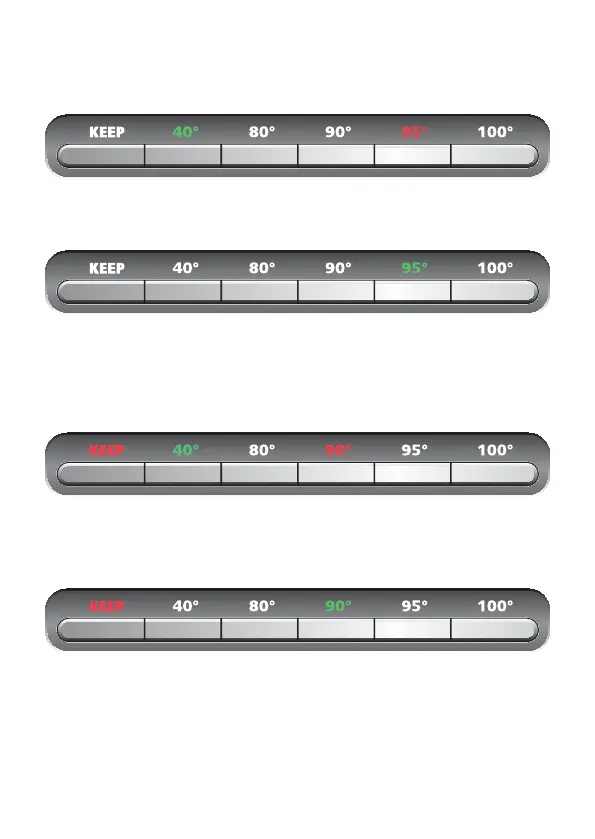
Press the temperature button; the current water temperature will be shown in green, the set
temperature in red.
An audible signal will sound after the set temperature has been reached; the set temperature
will be shown in green and the heating process will switch o automatically.
Notice: Press the temperature button to discontinue the heating process.
Keeping the set temperature
Press the temperature button and then the KEEP temperature button. The current tempera-
ture will be shown in green, the set temperature and the KEEP button will be shown in red.
An audible signal will sound after the set temperature has been reached; the set temperature
will be shown in green and the KEEP button will stay red. The kettle will keep the set tem-
perature for 30 minutes.
Notice: Press the KEEP button or the temperature button to discontinue the temperature
keeping mode.
6


 To Next Page