10
ENG
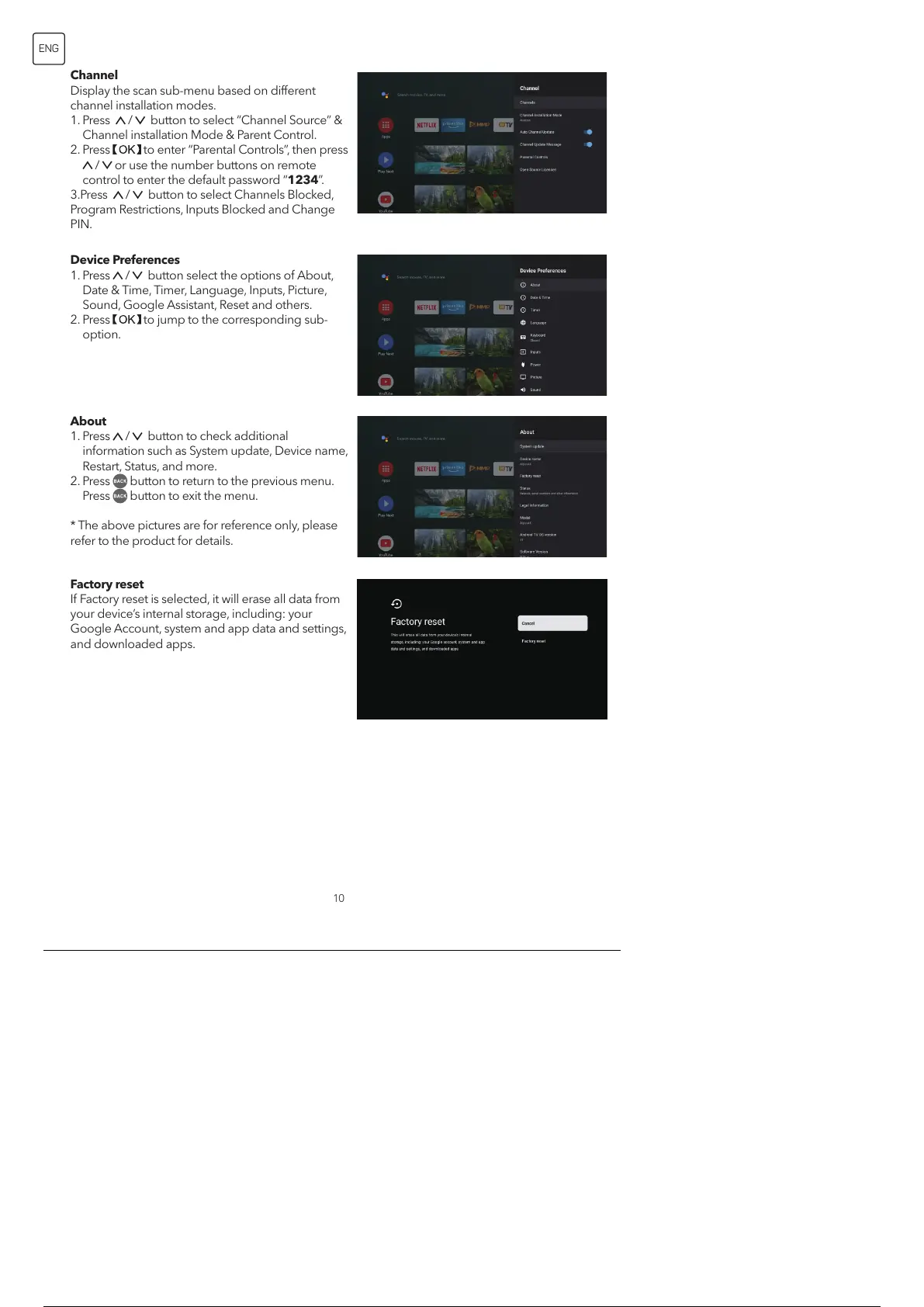
Channel
Display the scan sub-menu based on different
channel installation modes.
1. Press / button to select “Channel Source” &
Channel installation Mode & Parent Control.
2. Press to enter “Parental Controls”, then press
/ or use the number buttons on remote
control to enter the default password “1234”.
3.Press / button to select Channels Blocked,
Program Restrictions, Inputs Blocked and Change
PIN.
Device Preferences
1. Press
/ button select the options of About,
Date & Time, Timer, Language, Inputs, Picture,
Sound, Google Assistant, Reset and others.
2. Press
to jump to the corresponding sub-
option.
About
1. Press
/ button to check additional
information such as System update, Device name,
Restart, Status, and more.
2. Press button to return to the previous menu.
Press button to exit the menu.
* The above pictures are for reference only, please
refer to the product for details.
Factory reset
If Factory reset is selected, it will erase all data from
your device’s internal storage, including: your
Google Account, system and app data and settings,
and downloaded apps.
11 / 134


 To Next Page