32
ENG
In the case of first time configuration or after changing the connected wireless router is, the WI-FI module inside
the air conditioner needs to be reset.
To reset the module:
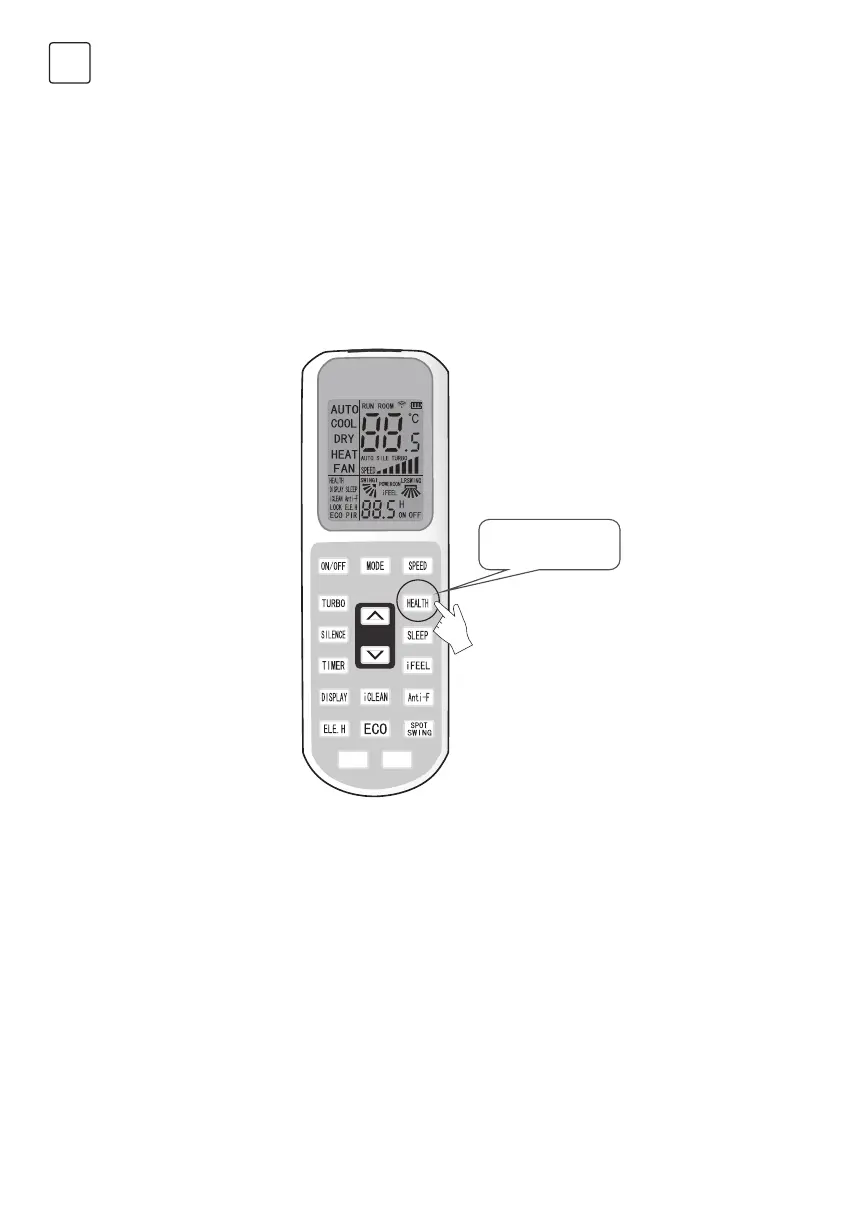
Press the “HEALTH” key on the remote control for 8 times (see Fig.5) within 5 seconds after the air conditioner is
turned on. The reset is not done until you hear two beeps of the buzzer.
Note:
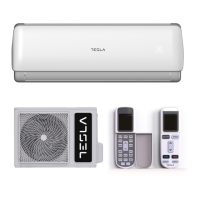
The remote control provided in this figure is just one of many models which is for your reference only. Please rely
on the model you have actually bought, though the operations are the same for all models.
Activate the WI-FI function of the mobile terminal and connect it to a wireless router or an access point.
Note:
A wireless router is required for the WI-FI function to work. Please purchase one if you do not already have one.
Reset AC Wi-Fi module
Smartphone, tablet or other mobile terminals connect to Wi-Fi
or hotspot
Press “health”
button 8 times
Figure 5



 To Next Page