English
English
06
~
~
~
~
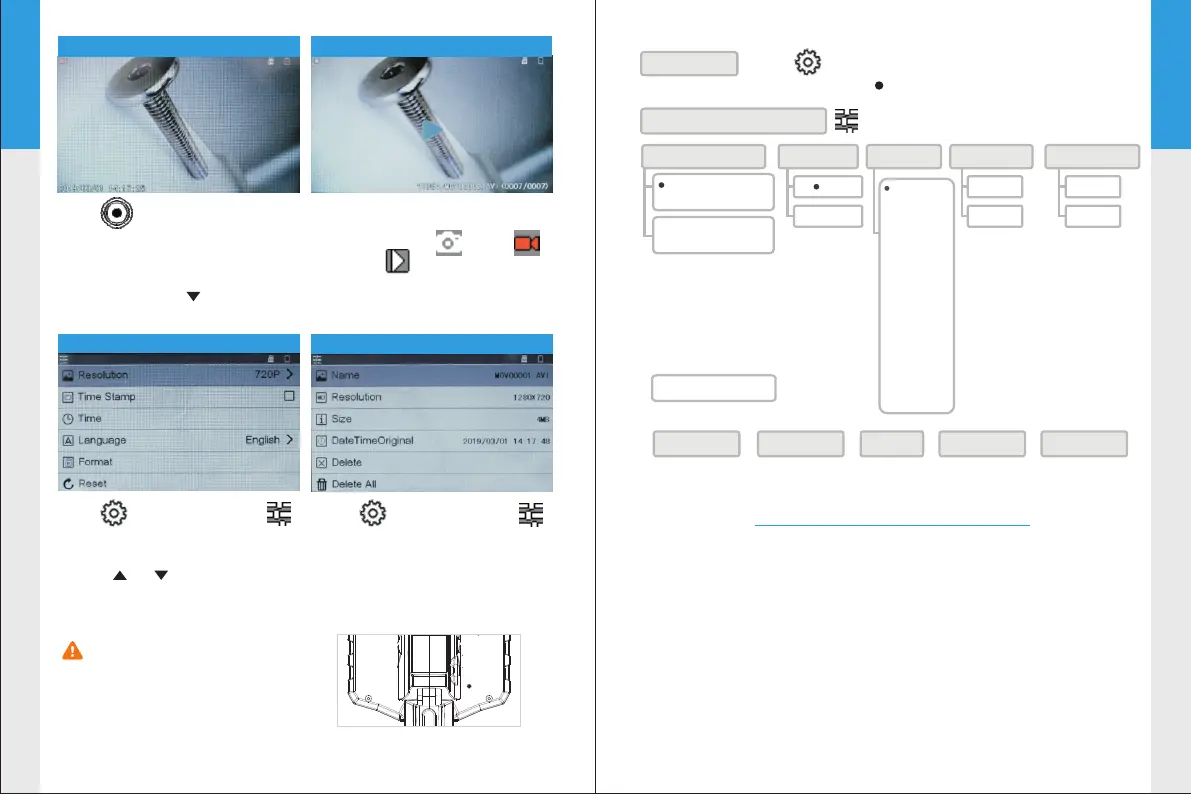
Please press the reset
button on the back of the
device if the screen freezes
or the buttons does not respond.
05
~
~
~
~
Click “M” button to switch
the mode Photo Video
Playback
Click to enter Settings
in Photo and Video mode to
change the system settings.
Click “ ” “ ” button to
select and “OK” button to
save changes.
System settings menu
Click to enter Settings
in Playback mode to see the
property information of the
media files or delete them.
Click in Photo/Video mode
to take photos or record movie
clips.
Press “OK” button to freeze
the screen and “ ” button
to rotate screen.
Playback menu
Video recording mode
Playback mode
Menu Tree
Click to enter the menu to change settings.
Default setting:
Photo Resolution
720P(1280*720)
(Native Resolution)
Time Stamp
Format Card
Reset settings
Yes
No
Yes
No
Language
English
简体中文
日本語
Polski
Nederlands
Turkiye
한국어
русский
Français
Deutsch
Čestina
Português
Español
Italia
Playback Menu
General Settings Menu
1080P(1920X1080)
(Interpolated)
OFF
ON
Delete one Delete all Lock Unlock one Unlock all
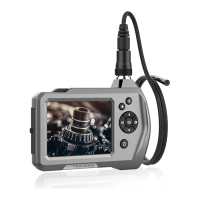
Technical Speciflcations
Monitor:
Screen Type: 4.3 inch Color LCD
Resolution: 480*272 pixels
Rotation:180° rotation
Video Recording Resolution:1280*720
Image Capturing Resolution:1280*720, 1920x1080
Menu languages:
Port: Micro USB, TF Card Slot
English,简体中文,日本語,Polski,Nederlands,
Turkiye,한국어,русский Français,Deutsch, estina,Português
Español,Italia
, Č
Reset


 To Next Page