Operation
34 Testboy
®
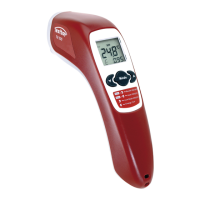
TV 325
Explanation of the buttons
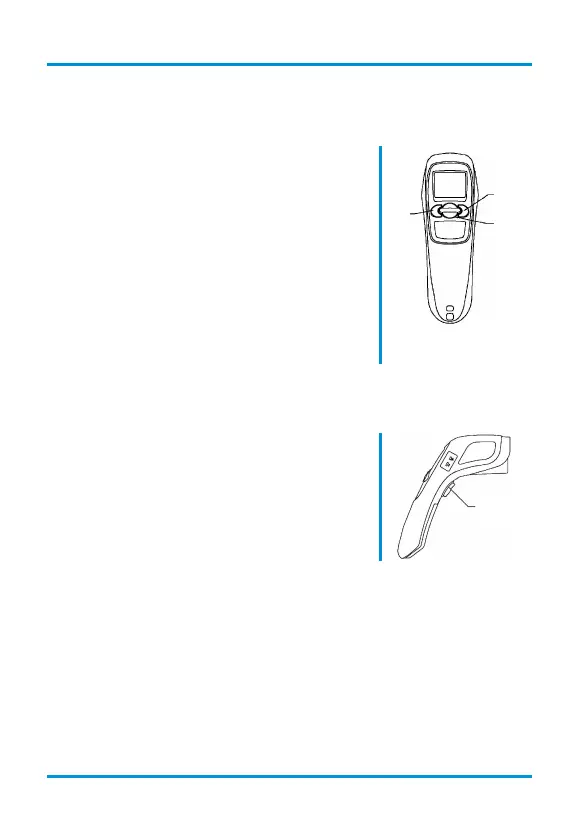
Direction keys
The "Up" (2) and "Down" (3) buttons are used
to activate functions like background
illumination, laser, lock mode, selection F/°C;
they are also used to navigate through the
menu.
MODE key
You can switch between the various
measurement functions in the display by
pressing the MODE key (4):
Measurement is interrupted during the hold
function!
3
2
4
Temperature measurement key
Press the (5) key to start measuring the
temperature.
5


 To Next Page
 Loading...