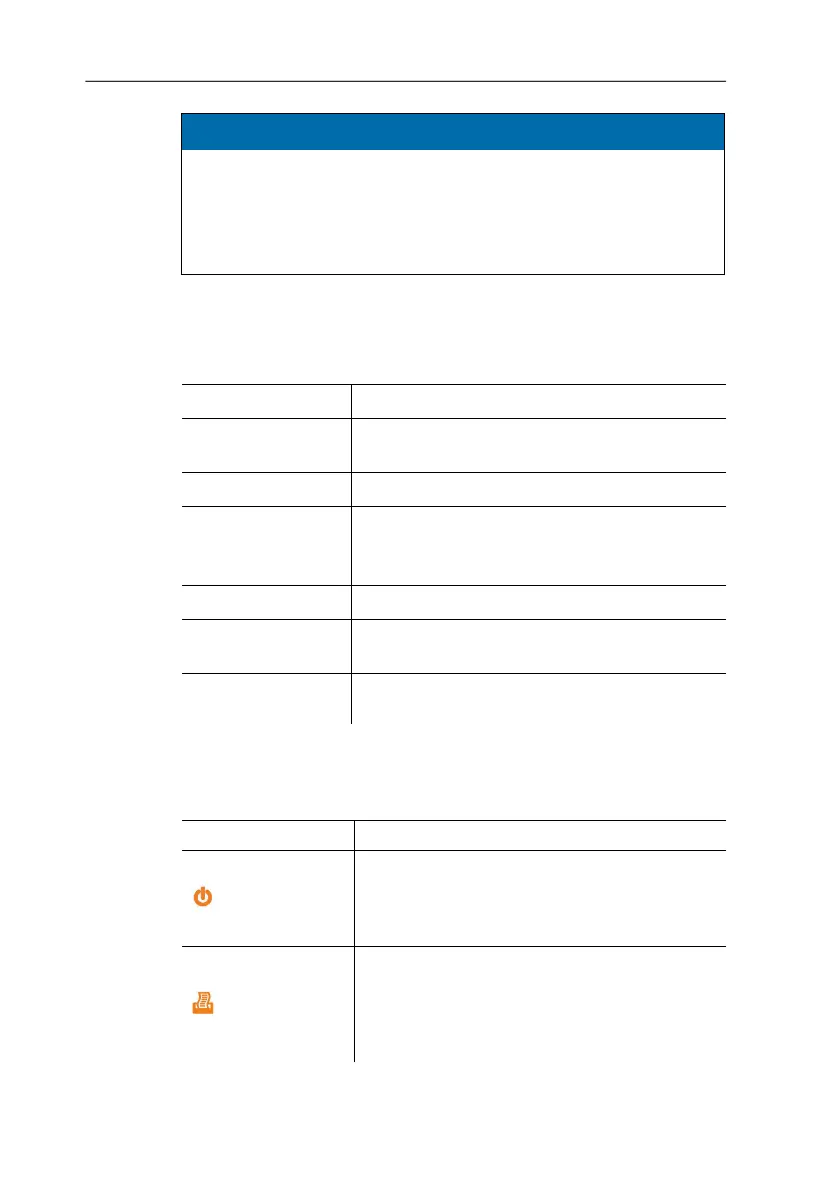
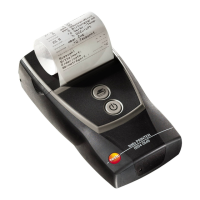
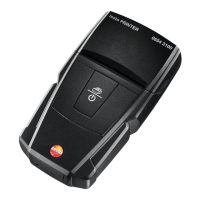
4 Product description
13
CAUTION
Magnetic field
Damage to other devices!
> Keep a safe distance away from products that could be
damaged by the effects of magnetism (e.g. monitors,
computers or credit cards).
8 Micro USB connection for connecting to the mains unit or the
PC.
4.2. Operating mode indicator
LED Function
Steady green light
• Standby mode
• Printing out print data
Flashing green light
• Receiving print data
Steady red light
• Not ready for operation
• Paper compartment cover open
• No paper inserted.
Flashing red light
• Rechargeable battery low
Flashing red/green
light
• Rechargeable battery is charging
Off
• Sleep mode, automatically activated 2
minutes after a button was last pressed
4.3. Control key functions
Control keys Functions
[ ]
• Switch on printer:
press key < 2 s
• Switch off printer:
press key > 2 s
[ ]
• Short paper feed:
press key < 1 s
• Paper feed for as long as the key is
pressed:
press key > 1 s


 To Next Page