6 Using the product
15
6 Using the product
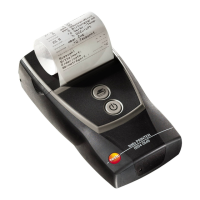
Printing data
When first setting up a connection between a testo
measuring instrument and the Bluetooth / IRDA printer, the
initialization phase can last up to 30 seconds.
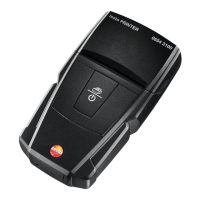
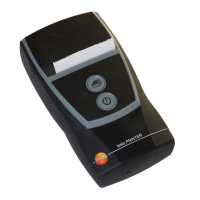
✓ Printer is switched on.
> Start the print process from the instrument transmitting the data.
- Data is printed out (LED flashes green).


 To Next Page