7 Using the product
17
and flash.
The measurement period and the calculated continuous mean value
are displayed.
To switch back to the measuring view:
Press MODE/END.
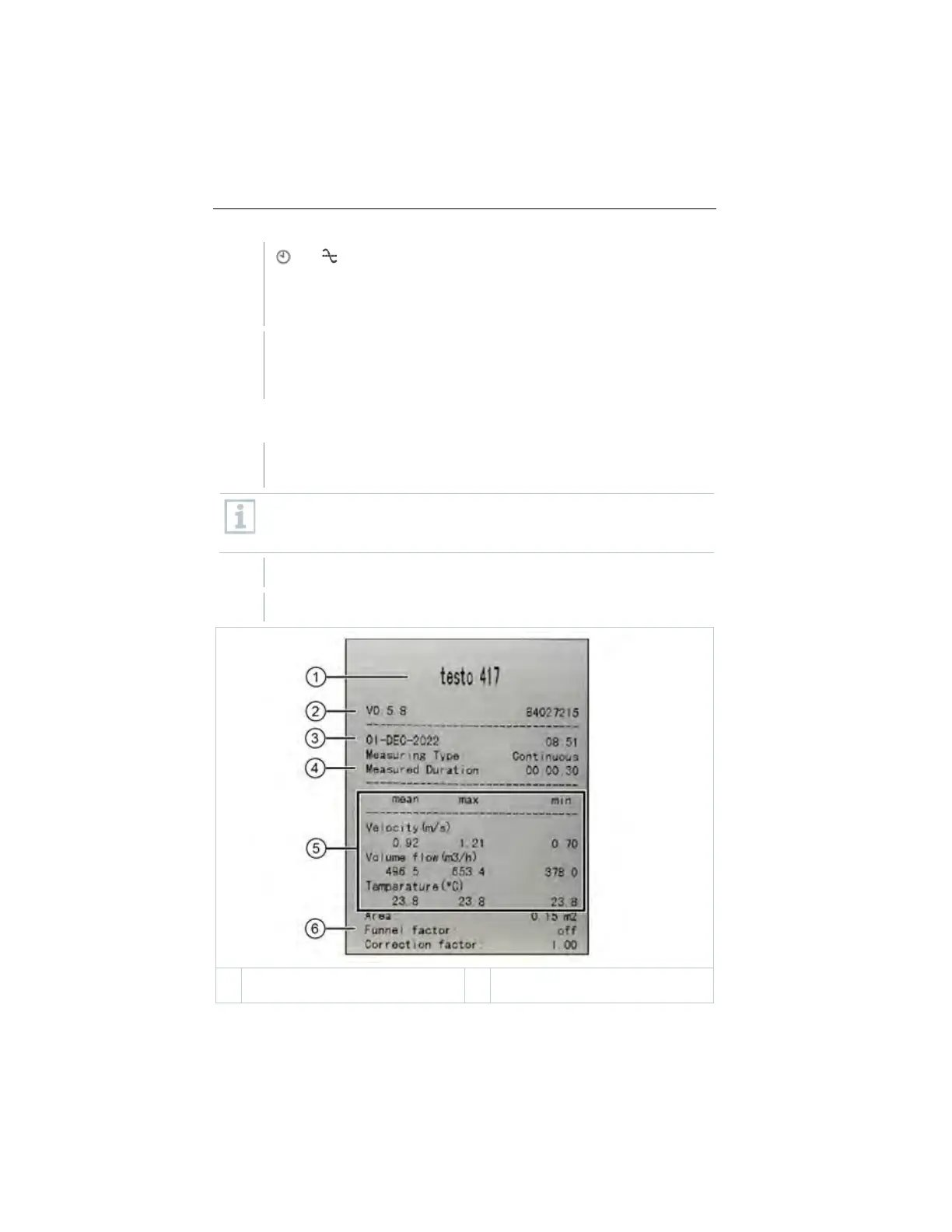
Printing data
A testo Bluetooth
®
/IRDA printer (order no. 0554 0621) is connected
via Bluetooth and switched on.
When first setting up a connection between the testo measuring
instrument and the testo Bluetooth
®
/IRDA printer, the initialization
phase can last up to 30 seconds.
Press and hold ► to transfer the data to the printer.
Data is printed out (LED on the printer lights up green).
Firmware version and serial
number
1.888.610.7664 sales@GlobalTestSupply.com
www.Testo-Direc t.com



 To Next Page