4 Operation
13
Menu item Function
(testo 870-2: this function is
only available if the
is set to
infrared)
Set emissivity (
) and reflected
temperature (
).
(testo 870-2: this function
is only available if the
is set to
infrared)
Carries out manual zeroing.
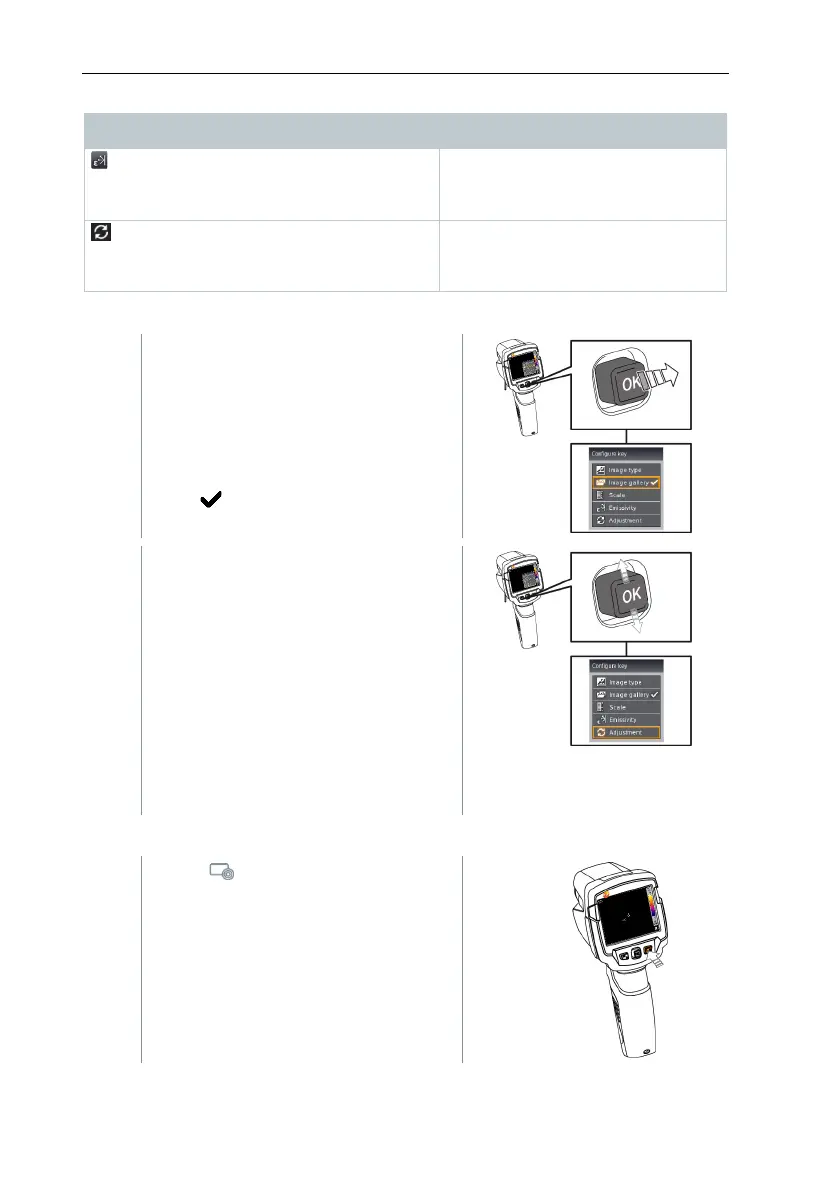
Changing assignment
Move the
to the right.
The
selection menu
appears.
The activated function is marked with
a tick ( ).
- Move the
up/down until the
orange box appears around the
required menu item.
- Press
The quick select button is assigned
to the selected menu item.
The icon for the selected function is
displayed bottom right.
Using the quick select button
- Press .
The function assigned to the quick
select button is carried out.



 To Next Page