4 Operation
12
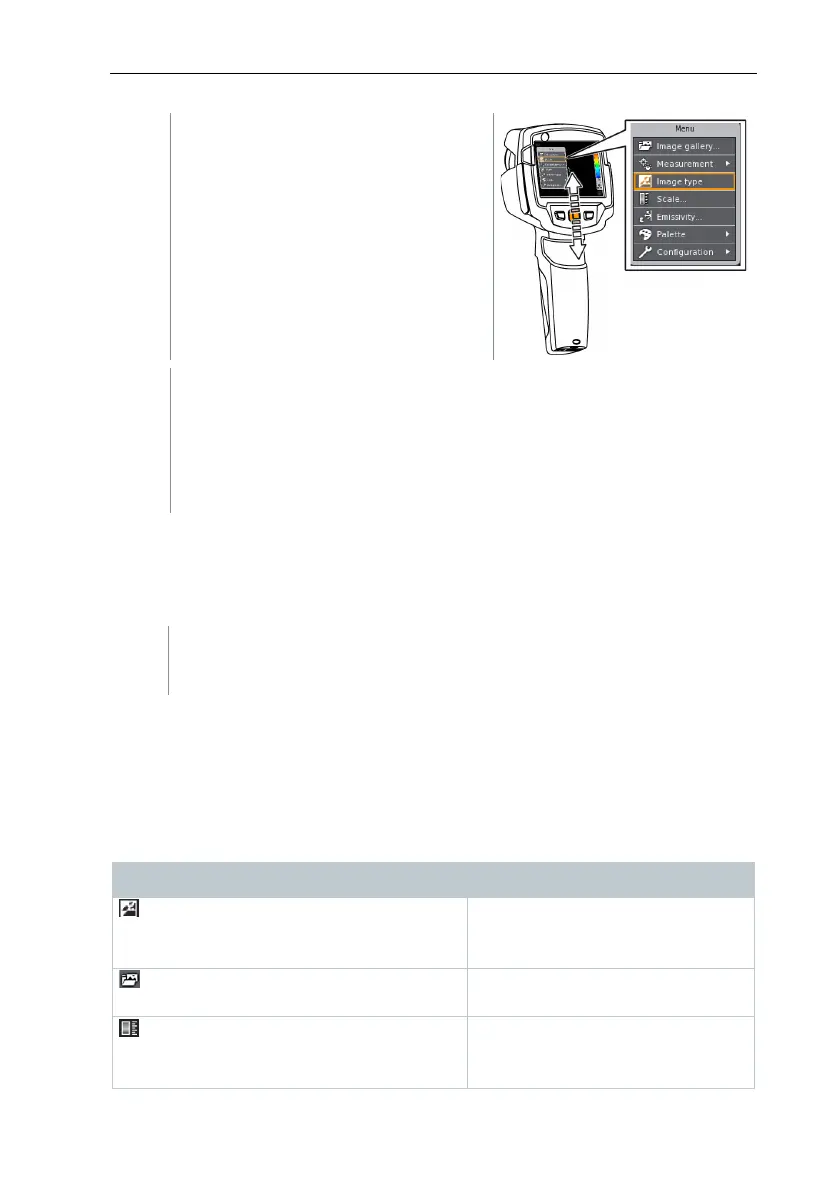
Move the
down/up to
highlight a function (orange border).
Press
to select the function.
Move the
to the right to open the submenu (indicated with
►).
- Move the
to the left to go back to the main menu.
4.4 Colour palette quick change
testo 870-2: this function is only available if the Image type is set to infrared
image.
- Move the
down/up to switch between the colour
palettes.
4.5 Quick select button
The quick select button is another navigation option that you can use to call up
certain functions simply at the touch of a button.
Quick select menu items
Menu item Function
(only testo 870-2)
Alternately switches the image
display between infrared and real
image.
Opens an overview of saved
images.
(testo 870-2: this function is only
available if the
is set to
infrared)
Set scale limits.



 To Next Page