5 Performing the measurement
17
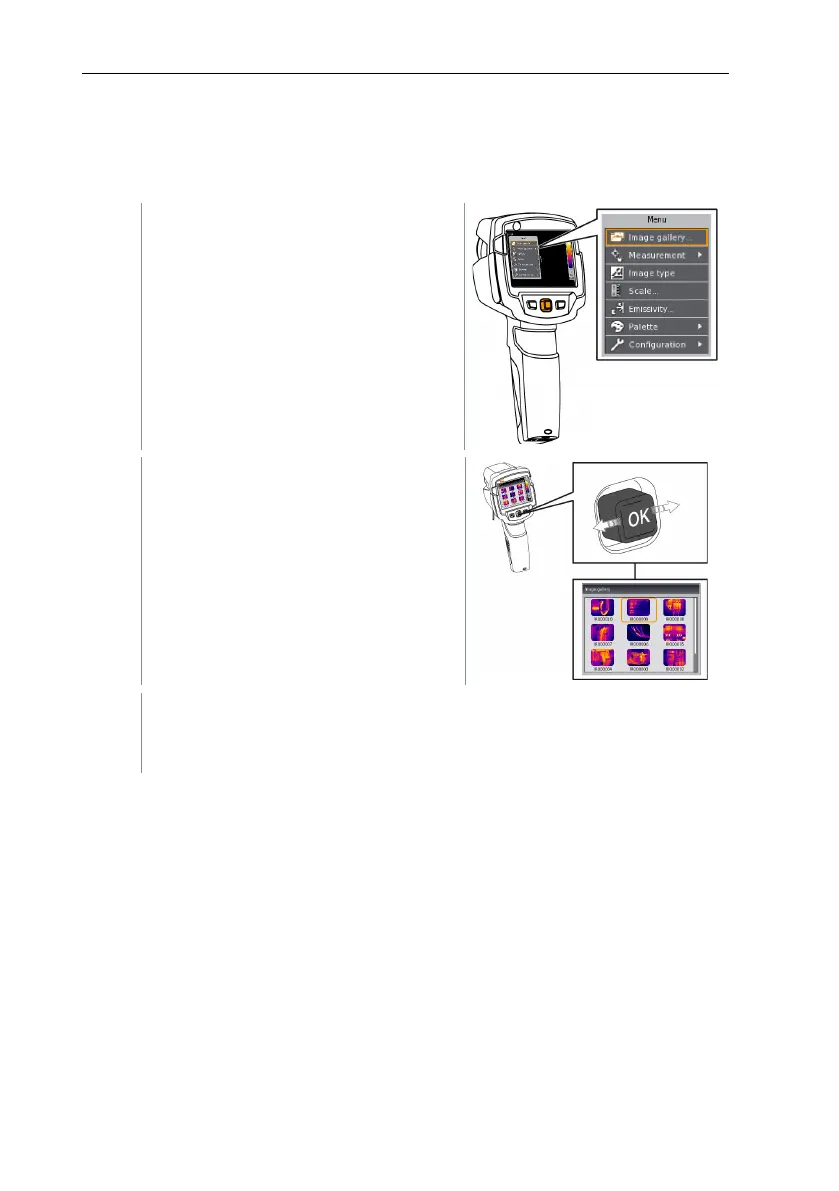
Displaying a saved image
Saved images can be viewed and analysed in the image gallery.
- Select
function. For
how to proceed: see
Getting to know
the menu
, page
.
All saved images are displayed in the
form of an infrared preview.
- Move
to select an image.
- Press
to open the selected image.
The image is displayed.
Analysing an image
Saved images can be analysed using the Single point measurement, Hotspot
and Coldspot measuring functions. In saved images the crosshairs, which mark
the measuring point, can be moved using the joystick.
For a description of the individual functions, please read the information in the
relevant sections.



 To Next Page