4 Product description
12
4 Product description
4.1. Overview
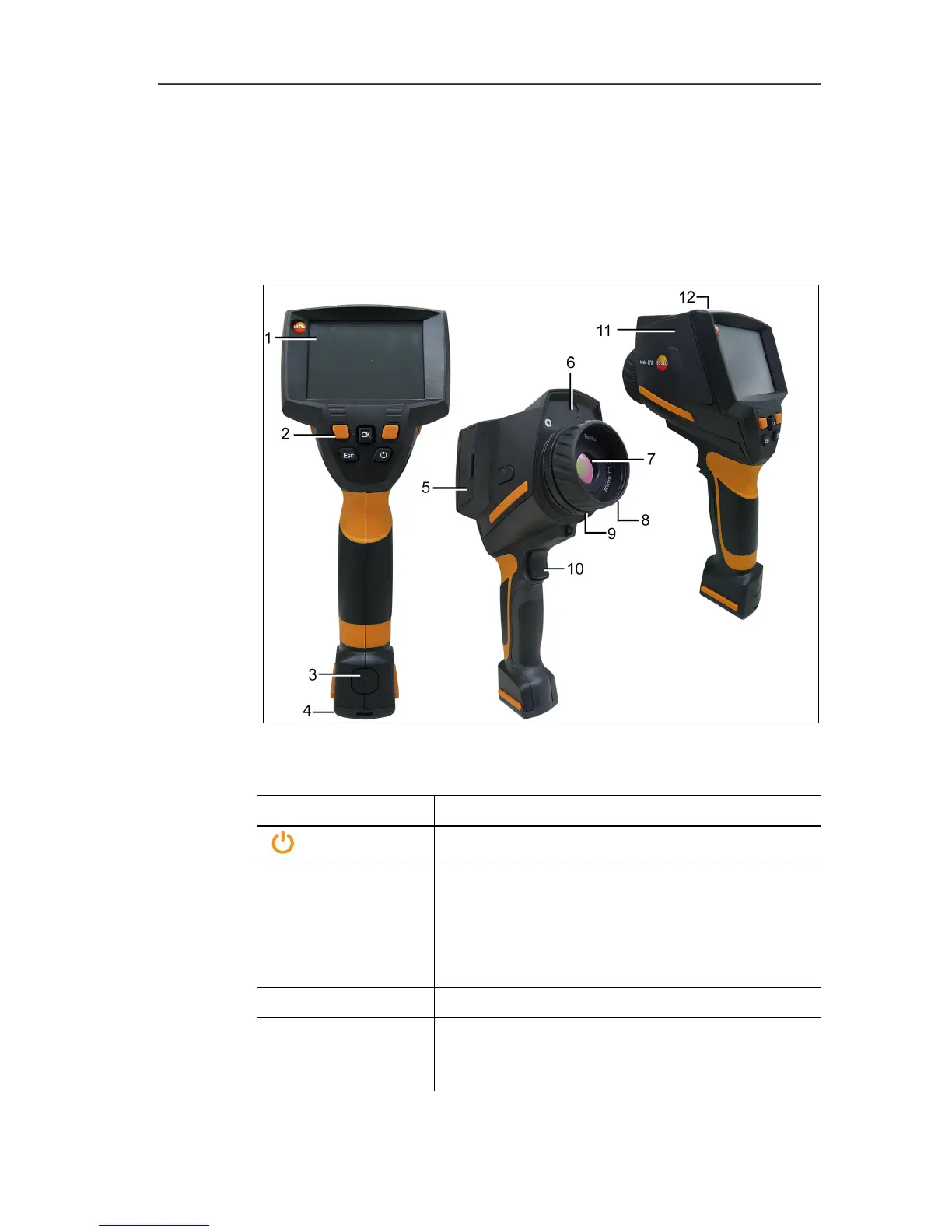
Product components
1 Display.
2 Control keys:
Key Functions
[ ]
Switch the imager on/off.
[OK] and Joystick
• Press [OK]:
Open menu, confirm selection/setting.
• Move [OK] up/down/right/left = Joystick
function:
Select functions, navigate
[Esc]
Cancel action.
Left/right ["xy"]
quick select button
Call up a function. The function assigned to
the quick select button at any one time is
shown in the display.
3 Instrument rechargeable battery lock release button.



 To Next Page