5 First steps
14
5 First steps
5.1. Commissioning
Connect rechargeable battery
The imager is delivered with a rechargeable battery that is inserted
in the rechargeable battery slot but not connected.
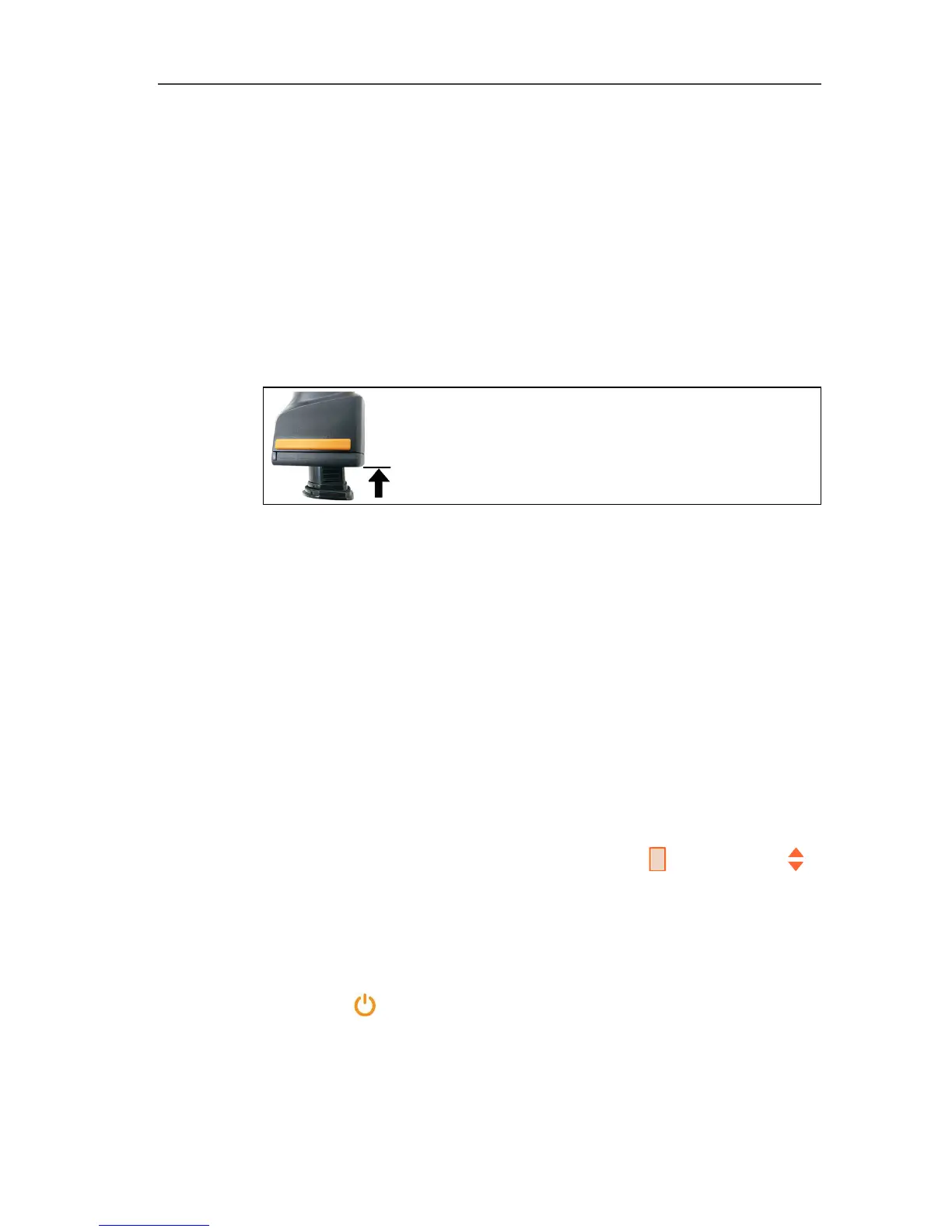
> Push the battery all the way into the rechargeable battery slot
until this is flush with the bottom of the handle.
-
T
h
e
thermal imager starts automatically.
Perform basic settings
> Remove the protective film from the display.
- The start screen appears on the display.
- The Landeseinstellungen (Country settings) dialogue is
opened.
Instrument language (Language) and temperature unit (Unit) can
be set.
1. Move Joystick up/down to select the desired option.
- The selected option has an orange border.
2. Confirm the selection with [OK].
- The selected setting is highlighted orange ( ). The arrows ( )
show that the setting can be changed.
3. Move Joystick up/down to change the setting.
4. Confirm the entry with [OK].
5. Confirm the settings with Übernehmen (Apply).
6. Press [ ] to switch off the thermal imager.



 To Next Page