5 First steps
15
Initial charging of rechargeable battery
The thermal imager is delivered with a partially charged battery.
Completely charge the battery before use.
> Connect the country-specific adapter required for the existing
mains to the mains unit.
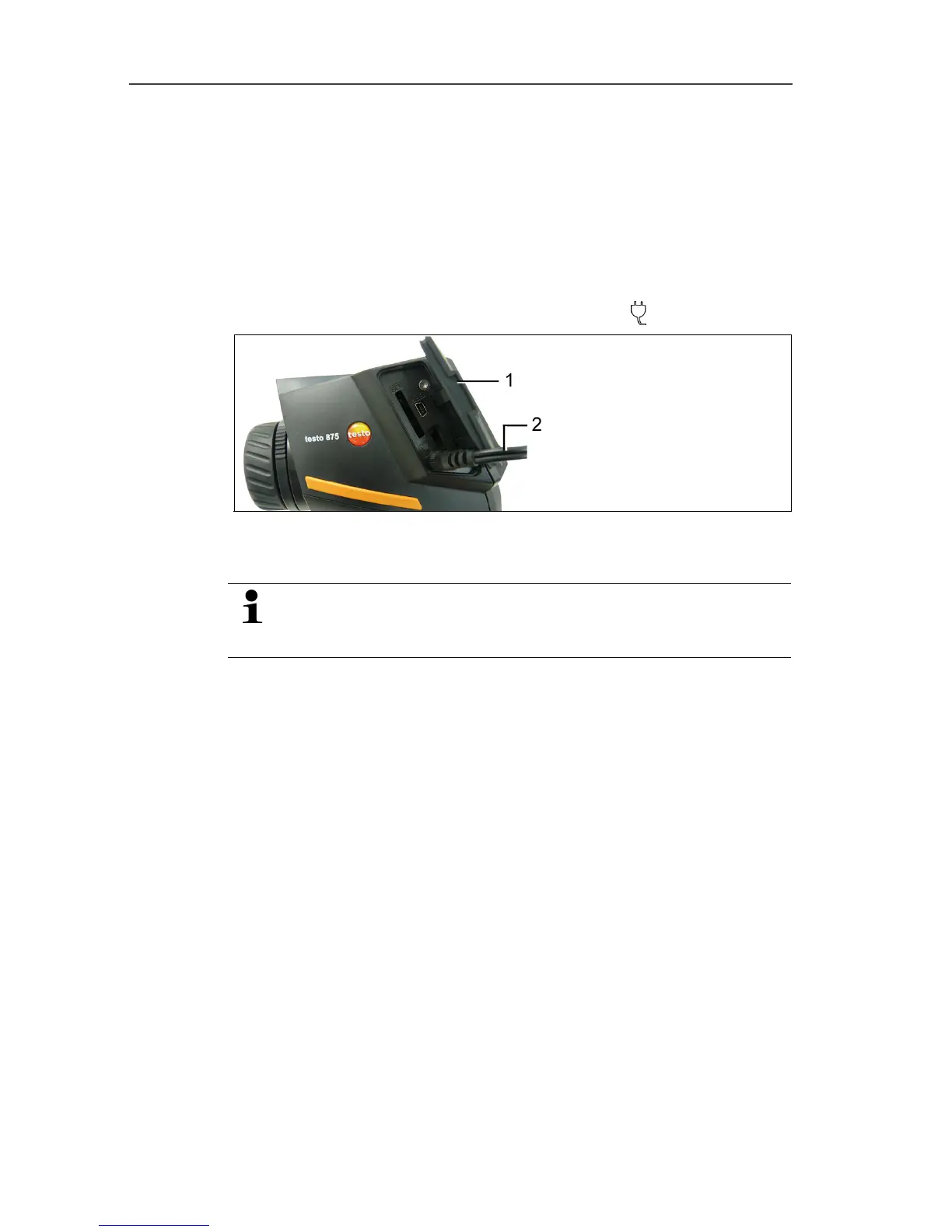
1. Open the cover on the left side of the thermal imager (1).
2. Connect the mains unit to the mains socket (
) (2).
3. Connect the mains plug to a mains socket.
- The thermal imager starts automatically.
When charging the rechargeable battery, the imager can
remain switched on or be switched off. This has no effect
on the length of the charging process.
- The charging of the rechargeable battery begins.
- The charge status is indicated on the status LED:
• LED flashes: Charging in process.
• LED lights up: Battery charged, charging process finished.
4. Charge the rechargeable battery completely, then disconnect
the instrument from the mains unit.
- After the initial charging of the battery, the thermal imager is
ready for operation.
Charging the battery is also possible using a desktop charging
station (accessory).



 To Next Page