
 Need help?
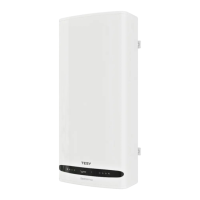
Do you have a question about the TESY BelliSlimo GCR 50 27 22 E31 EC and is the answer not in the manual?
Obtain and install the MyTESY application from your device's app store.
Create an account or log in to the MyTESY application with your credentials.
Retrieve your forgotten account password using the provided recovery options.
View real-time appliance status, current temperature, mode, and controls.
Access main app sections like Home, Add Appliance, Notifications, and Settings.
Manage your profile information and preferred application language.
Update your account password for enhanced security.
Connect and manage TesyCloud appliances within the MyTESY app.
Access user manuals and details about the application version.
Sign out of your current MyTESY application session.
Integrate appliances via the TesyCloud service.
Guide through connecting a new appliance to the app.
Connect the appliance to your Wi-Fi network by entering credentials.
Turn the appliance on/off and set the target temperature manually.
Schedule heating operations for different times and days.
Utilize energy-saving modes for efficient operation.
Activate special modes for absences or quick heating.
Customize the name of your appliance in the app.
Access technical details and firmware version.
Monitor usage history and energy consumption data.
Configure world clock, time zone, and date.
Remove the appliance from your account.
Solutions for Wi-Fi connection failures and appliance visibility problems.
Troubleshooting steps for when the appliance is connected but not working.
Resolving issues related to forgotten passwords and network connectivity.
 General
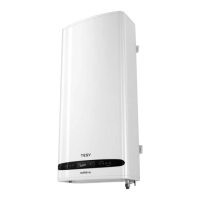
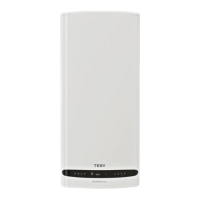
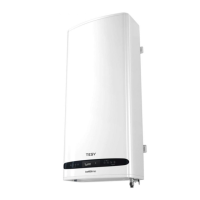
| Model | BelliSlimo GCR 50 27 22 E31 EC |
|---|---|
| Category | Water Heater |
| Type | Electric |
| Capacity | 50 liters |
| Voltage | 230 V |
| Frequency | 50 Hz |
| Energy Efficiency Class | B |
| Protection Class | IP24 |
| Weight | 22 kg |
| Thermostat | Electronic |
| Width | 0.49 m |


 To Next Page