NINGBO TEVERUN TECHNOLOGY CO.,LTD
Specification Model:UKC2
5
/
11
6.4 Brake display:when the brake is working,showing
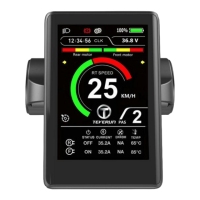
6.5 Assist levels can be indicated.
6.6 Real time power indication.
6.7 Clock display:showing the clock information
6.8 Real time current indication.
6.9 Motor ON/OFF state is reported.
6.10 Error code can be reported. For the details, please refer to the following table.
“1” is shown at the bottom of the information switch interface
“2” is shown at the bottom of the information switch interface
“4” is shown at the bottom of the information switch interface
“5” is shown at the bottom of the information switch interface
“6” is shown at the bottom of the information switch interface
“7” is shown at the bottom of the information switch interface
“8” is shown at the bottom of the information switch interface
Over-temperature protection
6.11 Real-time temperature can be reported.
7 Functional Description
7.1 Power On/Off
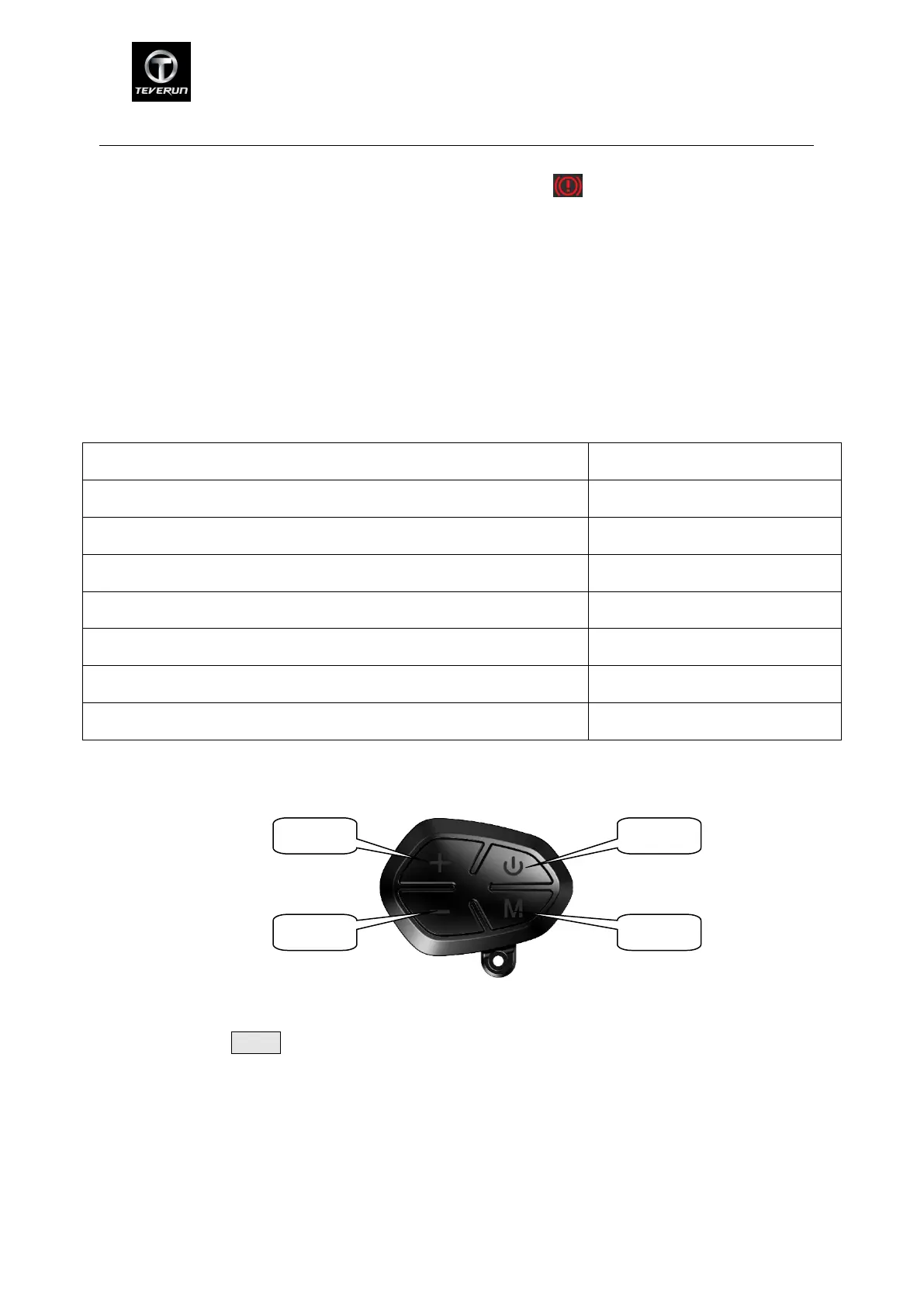
Press and hold Power button for 1 second to turn on/off the display. The display will
automatically shut down when there is no operation & ride for 10 minutes(X could be set by the
user).
*If the display has been set power-on password, you need to input the right password when
starting.
7.2 Assist Level Operating
Short press UP/DOWN button can change the assist level. Optional assist levels are ECO, 1, 2, 3,


 To Next Page
 Loading...