NINGBO TEVERUN TECHNOLOGY CO.,LTD
Specification Model:UKC2
6
/
11
4 and 5. And the default value is 1.
7.3 Headlight/Display Model Change
Press and hold UP button for 1 second to lower the backlight brightness and headlight is
on(controller support is needed). At the same time, switching daytime/night mode.Press and hold
UP button for 1 second again, headlight will be off and change the display mode.
*The backlight brightness has 5 levels and users can adjust it according to their demands.
7.4 Data Cleanup
Press and hold UP & DOWN buttons concurrently for 1 second can reset temporary data,
including AVG Speed / MAX Speed / Trip / Time.
*These temporary data will not be erased when power is off.
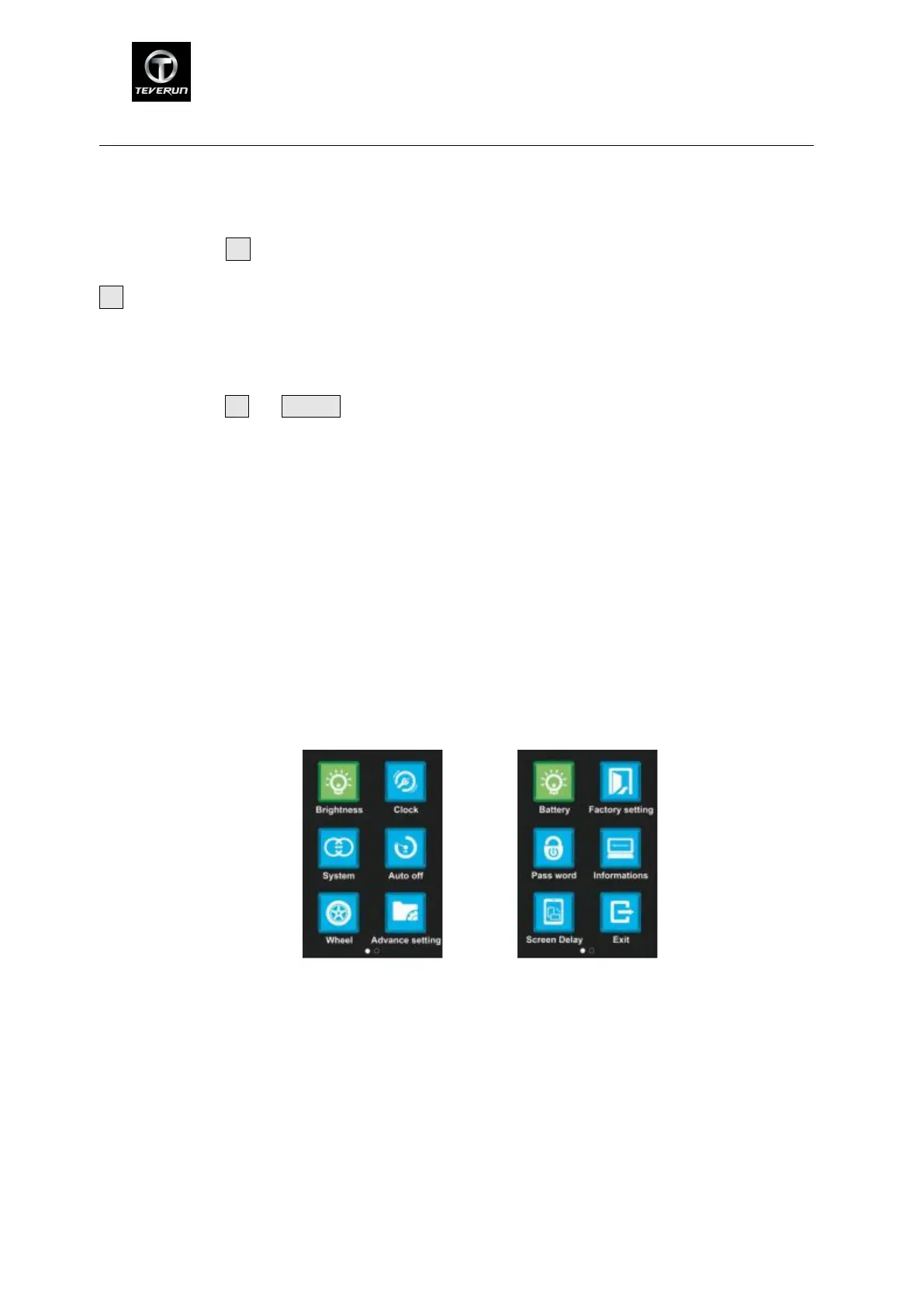
8 MENU Parameter Setting
In the state of power on,press the M button twice(time interval must be within 0.3S),the system
will enter the parameter setting menu.Press M button twice again to exist setting state (time
interval must be within 0.3S).
In the MENU setting interface, press M button to confirm and POWER to cancel. Press UP or
DOWN to select the adjusting items. Press M button, the parameter to be set will be blinking. If
you want to adjust related parameters, please press UP or DOWN. Then press M to save and
press POWER or select EXIT to back to the main menu. In the function selection interface, press
M button twice consecutively or select EXIT to exit menu.
Menu---page1 Menu---page 2
Function selection menu
8.1 Brightness : Press M button to enter the setting menu. Adjusting the brightness 1-5 by
pressing UP/DOWN button.1 is the darkest,5 is the brightest.


 To Next Page
 Loading...