PLL 4-Band Receiver Radio MD 81157 7
G
ETTING STARTED
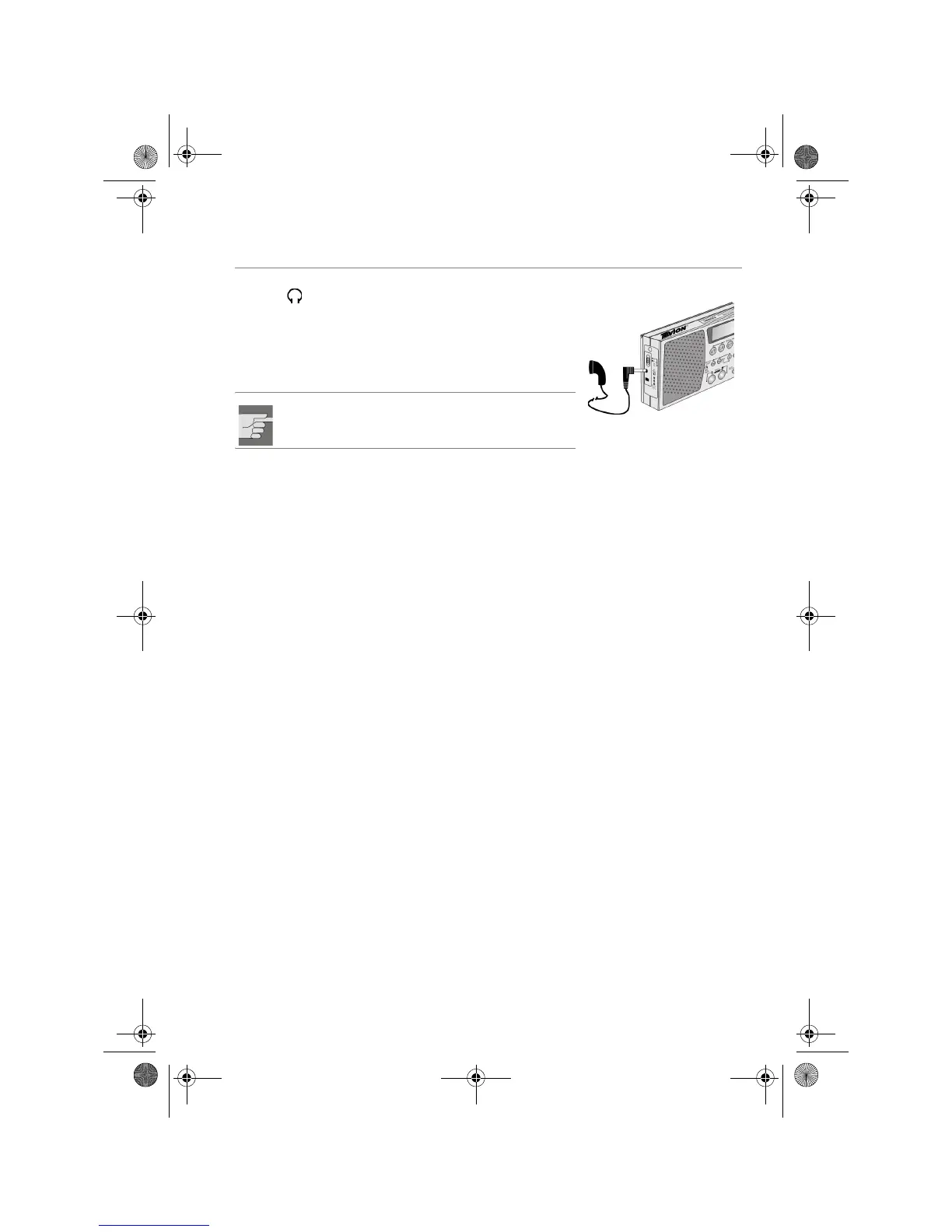
Connecting earphones
The earphones connection is on the left side of the
receiver .
` Use this to connect the earphones supplied or
another set of ear/headphones with a 3.5 mm jack
plug.
The loudspeaker will be automatically switched off.
WARNING!
Before putting on the earphones set the volume
to minimum!
Weltempfänger_ MD 81157_AUS_manual.fm Seite 7 Freitag, 14. Juli 2006 12:50 12


 To Next Page