CliffsNotes Guide to the TI-84 Plus Family
4
Turning Your TI-84 Plus Silver
Edition On and Off
Prior to turning on your TI-84 Plus Silver Edition, you
need to remove the battery cover located on the back of
the graphing calculator and install four AAA batteries.
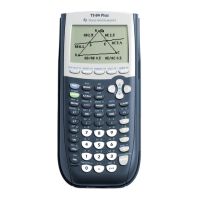
To turn on your TI-84 Plus Silver Edition,
press o.
If you had previously turned off your
TI-84 Plus Silver Edition by pressing
`¨, it will display the home screen
as it was when you last used it. You
might see a message box reminding you
to PRESS ALPHA F1–F4 TO LOCATE
SHORTCUT MENUS.
To turn off your TI-84 Plus Silver Edition,
press `¨.
All settings and memory contents are
retained by Constant Memory™.
To prolong the life of the batteries, your graphing calcu-
lator has an Automatic Power Down™ (APD) feature
that turns off your TI-84 Plus Silver Edition automati-
cally after about 5 minutes without any activity. If this
should happen to you, just press o to continue work-
ing where you left off.
03_767207-ch01.indd 43_767207-ch01.indd 4 4/8/10 2:52 PM4/8/10 2:52 PM













 To Next Page