Page 13
N Hopley. Sep 2015. TI-Nspire OS4.0
Page 13 - Preparing the TI-Nspire for Assessments
‘Press to Test’ mode temporarily disables all current
documents and denies access to programming
libraries.
Switch the TI-Nspire handheld off.
Whilst holding down the d key, press c
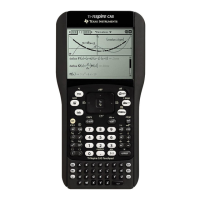
This will give the screen shown on the right !
THEN STOP.
DO NOT SELECT YET.
You need to configure the correct restrictions first.
You will deselect only four options, as these are all
allowed:
" Disable inequality graphing
" Limit trigonometric functions
" Disable log
b
x template and summation
functions
" Disable Polynomial Root Finder and
Simultaneous Equation Solver
Leave the remaining seven items selected.
Click on .
This will cause your TI-Nspire to re-boot.
After a short time, it will display the screen shown on
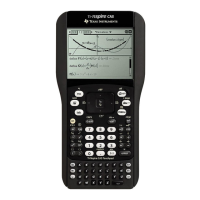
the right !
Click on .
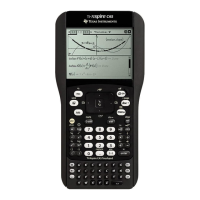
This will give the screen shown on the right !
Notice the small padlock icon in the top right hand
corner.
Also the yellow LED at the top of the handheld will be
flashing with two short pulses.
You are now ready to use your TI-Nspire in an exam.


 To Next Page
 Loading...