**** ****
**** ****
- Installer Manual -
14
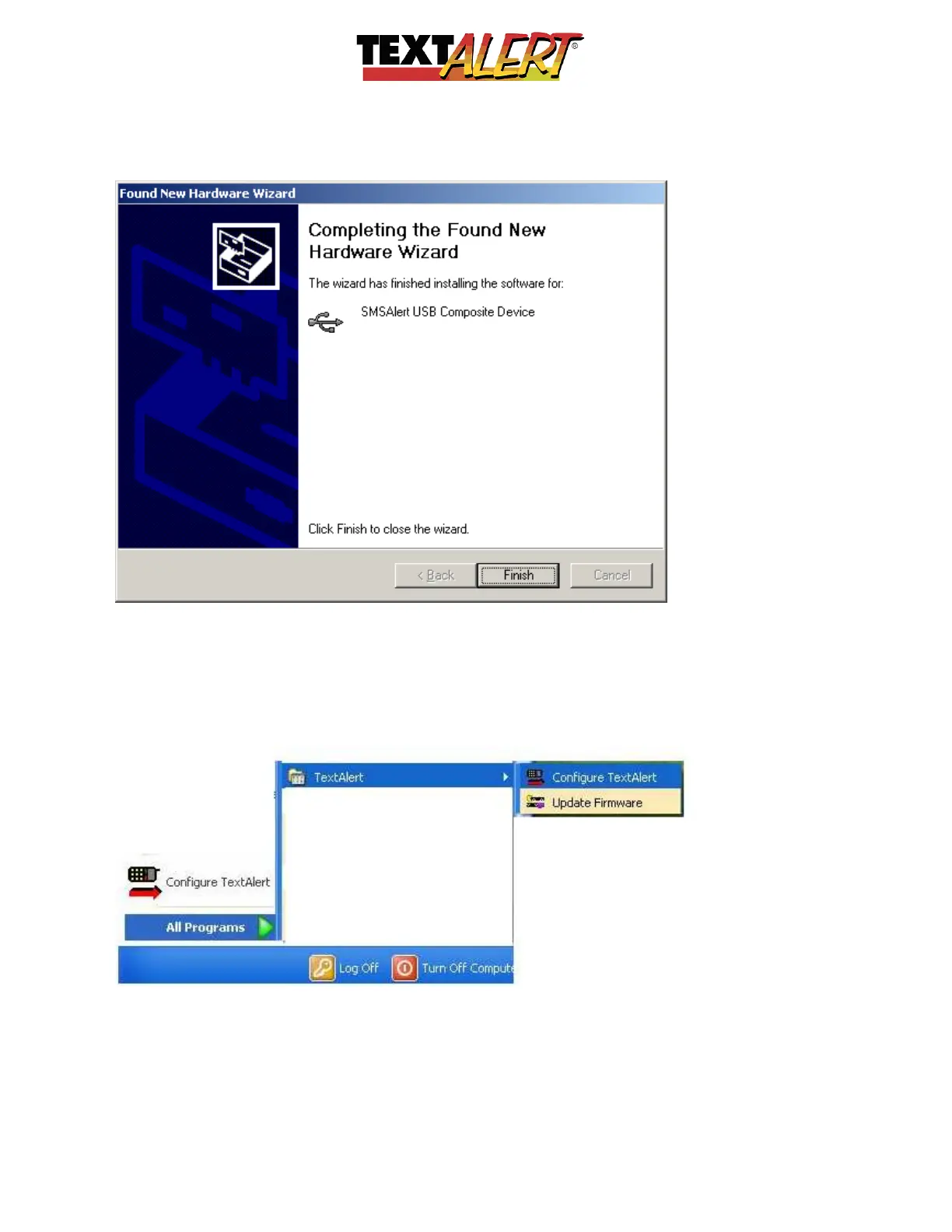
Completion; After this step, the screens above will appear to repeat. Treat them exactly the
same as you did before.
CONGRATULATIONS: Your TextAlert Software should now be installed and ready to use!
You can access the software on your PC by going:
Start > Programs > TextAlert > Configure TextAlert
When you click “Start” – usually at bottom left of your screen – it will look something like this:



 To Next Page