**** ****
**** ****
- Installer Manual -
15
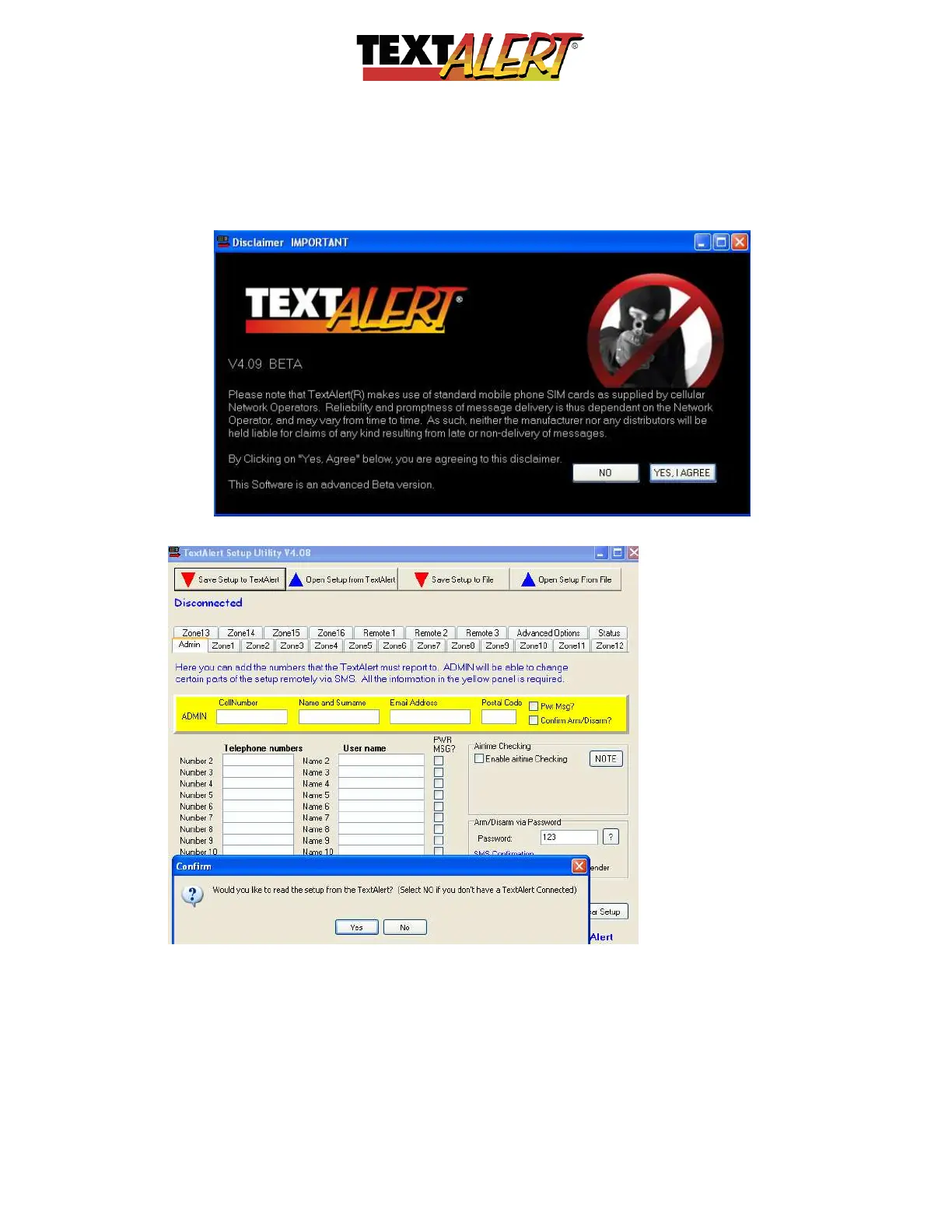
• The first screen to open is a disclaimer stating that the system and its performance or
timely delivery of messages is subject to the performance of the mobile phone service
provider of your choice. You need to click “YES, I AGREE” in order to proceed:
• Once you agree, the Admin screen will appear.
When you open the dialogue screen, it will show a pop-up message that allows you to
connect* from the PC software to the TextAlert plugged in via USB.
• If you choose “No”, you can configure the software and save it to your computer and
then at a later time when you plug the TextAlert into the USB, you can save to the
TextAlert.



 To Next Page