**** ****
**** ****
- Installer Manual -
16
On the Admin tab there are 15 recipients of Sms/Text messages (plus the administrator
makes 16 recipients). This list of recipients requires you to input the phone number of each
and their name.
IMPORTANT: WHEN ENTERING A PHONE NUMBER YOU MUST INCLUDE +1 BEFORE
EACH PHONE NUMBER. That is the “+” sign and the number “1”.
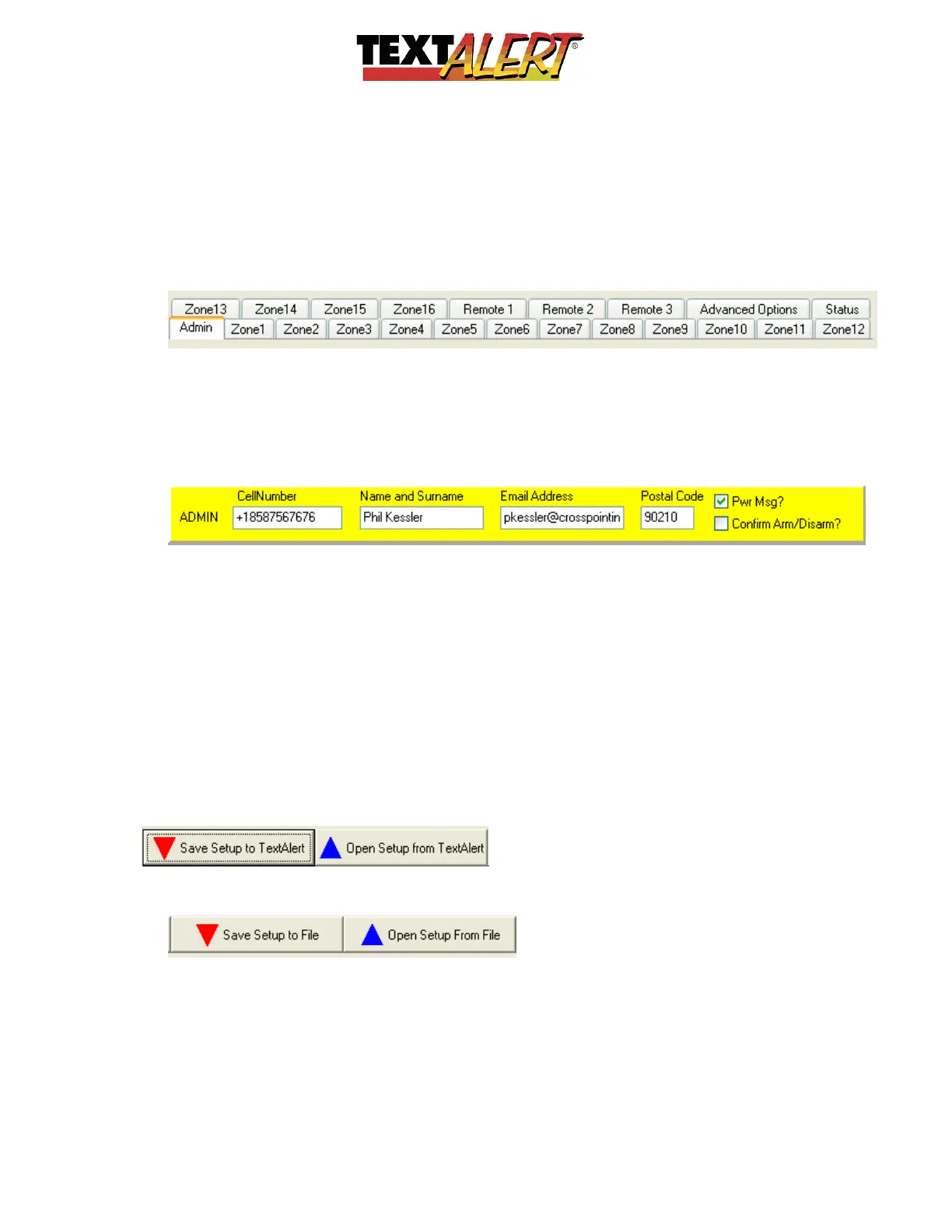
• Just below the header is a list of tabs that give you access to the main admin screen,
the 16 zones, and the 8 remote control setting options.
Starting with the “Admin” Tab look at the components that make up the various tabs.
• Put the details of the main administrator/owner of TextAlert into the yellow highlighted
area: The administrator will be able to use his or her cell phone to remotely execute the
majority of configuration and management that the software can achieve.
Note; There is a checkbox for “Pwr Msg?” – when this box is checked, the administrator
will receive a warning SMS message if power is lost to TextAlert (by being unplugged
or due to power failure).
“Confirm Arm/Disarm?” – When checked, this box causes TextAlert to send the
Administrator a warning message each time TextAlert or any of its zones are either
armed or disarmed (by mobile phone – a separate checkbox under the remote control
setup tab controls who receives arm/disarm messages if a remote is used to execute
that function.
• Along the top ‘header’ of the software’s screen are options to read-from or write-to the
TextAlert when it is plugged into the computer with the USB cable.
IMPORTANT: You must click “Save to TextAlert” or the unit will not be activated with any
of the information you enter in this software.
• The header allows you to save your configuration to a folder on your computer and
then read from that folder at a later time.


 To Next Page
 Loading...