**** ****
**** ****
- Installer Manual -
21
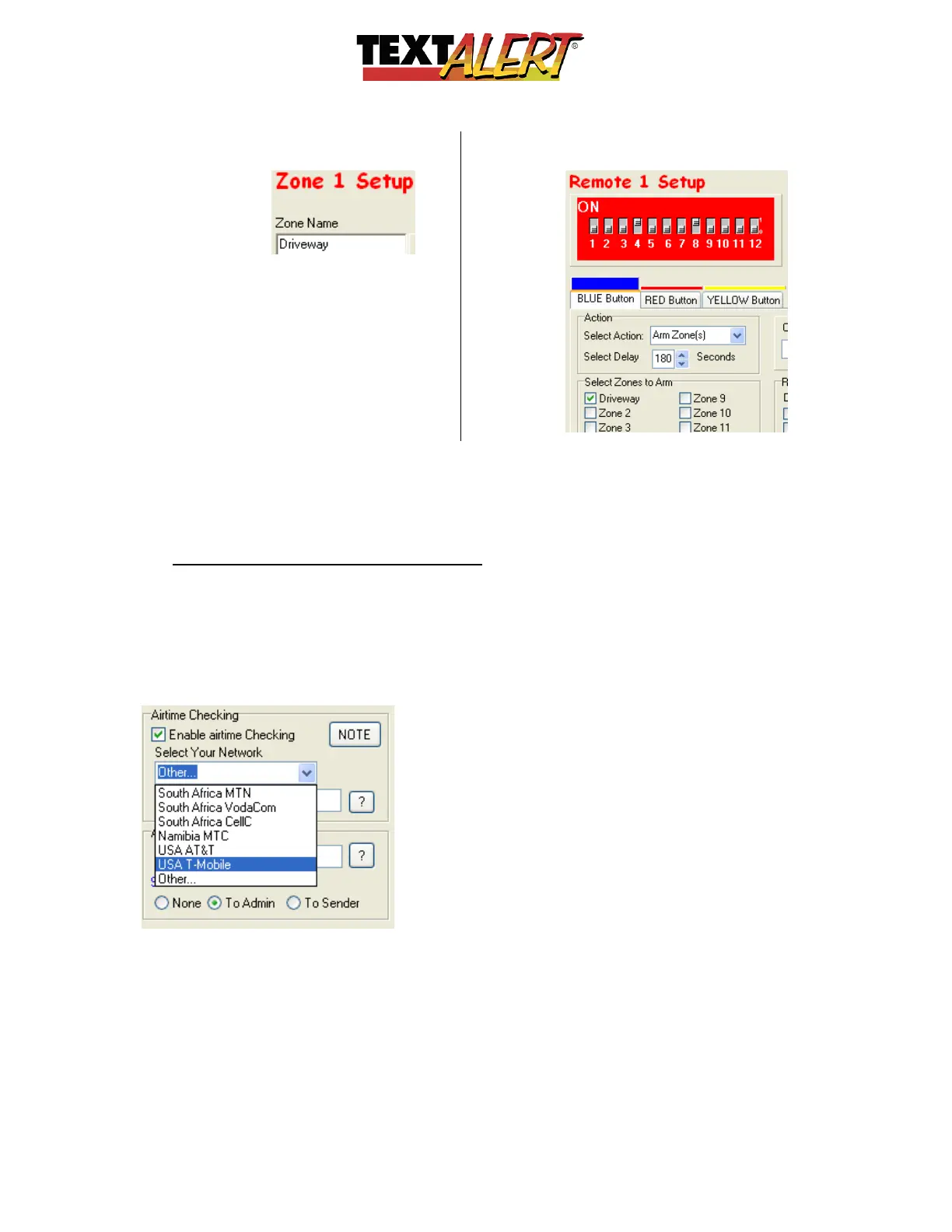
Zone Name (as it appears in zone
setup screen)
Zone Name repeated into remote
control setup
o
Zone Name: Choose a name that describes the zone and see how it replaces the
generic “Zone 1” in the Remote setup. This makes it easy for you to see which zones
you assign a particular remote unit or button
BACK TO THE ADMIN SCREEN:
• Pre Paid SIM Time Running Low: When you purchase a pre-pay SIM card, the
packaging should tell you how you can check airtime… For instance a sequence might
be to type *101# and push “send”… the system would then reply with the amount of
time left on the card. Type the code sequence into the ‘Other’ section.
In the example below – United States T-Mobile prepaid cellular service provider is
selected:



 To Next Page