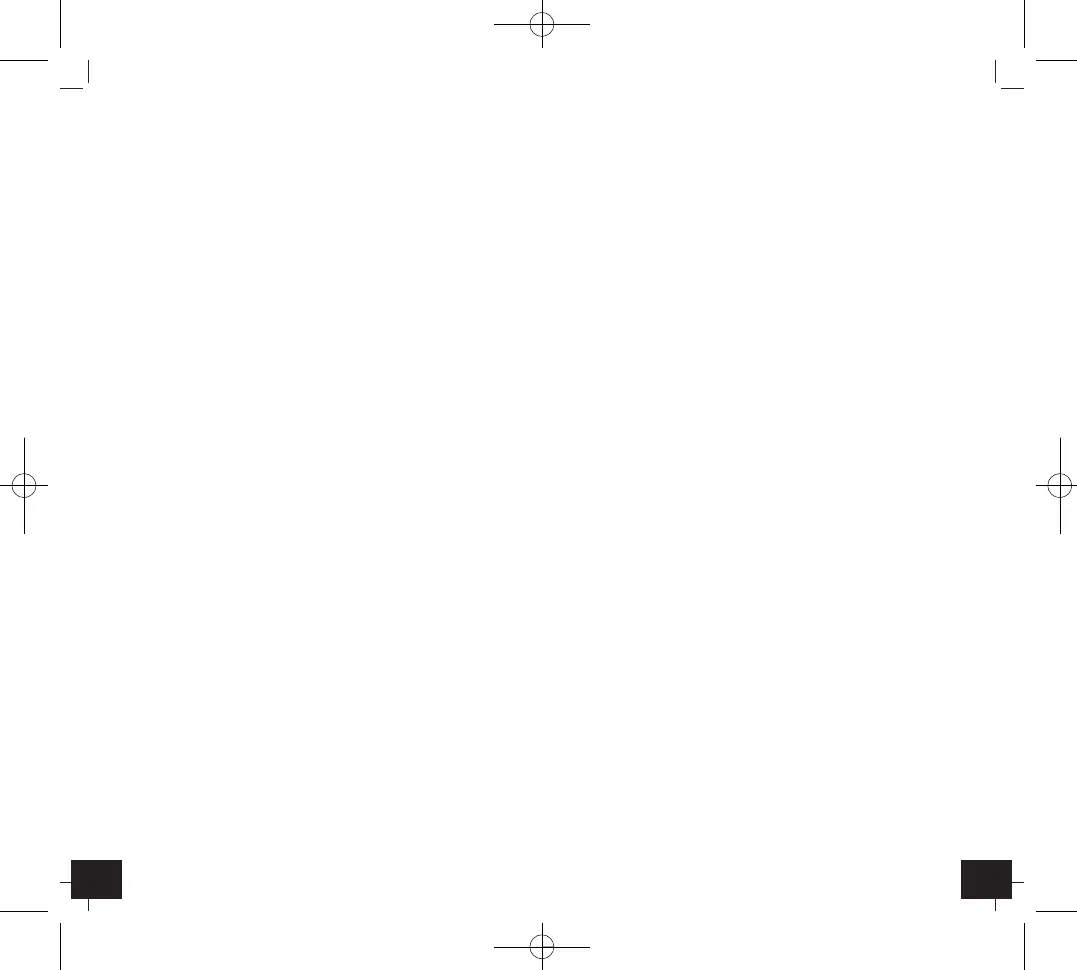
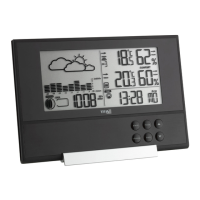
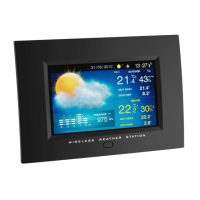
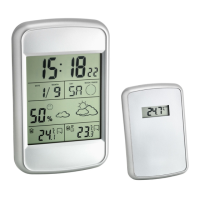
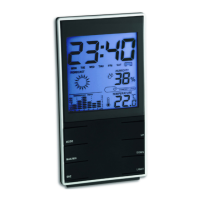
Indoor weather station
1312
Press the MODE button
Select Date Year by pressing the UP/DOWN button
Press the MODE button (twice)
Exit setting mode
C. Setting of Alarm
Press 2 x the MODE button
Enter Alarm mode
Press the MODE button (2 sec.)
Select Alarm time Hours by pressing the UP/DOWN button
Press the MODE button
Select Alarm time Minutes by pressing the UP/DOWN button
Press the MODE button (twice)
Exit setting mode
7. Activate/turn off Alarm
• To activate/turn off the alarm function, press the UP button in alarm
mode. The alarm symbol appears or disappears on the current time
display.
• Press any button to stop the alarm.
8. Snooze function
• Once the alarm starts to ring (backlight turns on briefly), you can
activate the snooze function by pressing the SNZ button. The alarm
symbol flashes and the alarm will be interrupted.
9. MAX/MIN values
• Press the MAX/MIN button and the highest temperature and humidity
values are displayed (MAX).
• Press the MAX/MIN button again, the display shows the lowest
values.
• A reset of the max./min. values is only possible by a reinstallation of
the unit.
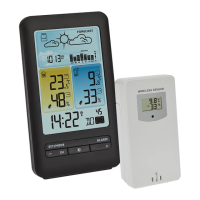
10. Weather symbol
• The instrument has no atmospheric pressure sensor. The weather
symbol is based on the changes of humidity values. There are 5 dif-
ferent coloured weather symbols (sunny, slightly cloudy, cloudy,
rainy, strong rain).
Indoor weather station
5. Operation
• Pull the protective foil from the display.
• Open the battery compartment and insert two batteries 1.5 V AAA,
polarity as illustrated. A short beep will sound and all LCD segments
will light up for about 2 seconds.
• The unit is now ready to use.
• By pressing the DOWN button the temperature unit can be changed
from °C to °F.
• To enter calendar mode, press the MODE button. The date is dis-
played.
• To enter alarm mode, press 2 x the MODE button. The alarm time is
displayed.
6. Setting Mode
• Press the MODE button for 2 sec. to enter the respective setting
mode and select all settings one after the other.
• When the digits are flashing set the desired time by pressing the UP
or DOWN button. Hold and press the button for a fast count.
• The instrument will quit the setting mode, if there is no button used
within 10 seconds.
A. Setting of Time
Press the MODE button (2 sec.)
Select Time Hours by pressing the UP/DOWN button
Press the MODE button
Select Time Minutes by pressing the UP/DOWN button
Press the MODE button
Exit setting mode
• Press and hold the UP button (3-4 seconds) in normal mode to
choose 12 (PM appears in the display) HR or 24 HR system.
B. Setting of Calendar
Press the MODE button
Enter Calendar mode
Press the MODE button (2 sec.)
Select Date Year by pressing the UP/DOWN button
Press the MODE button
Select Date Month by pressing the UP/DOWN button


 To Next Page